How do I restore deleted training records?
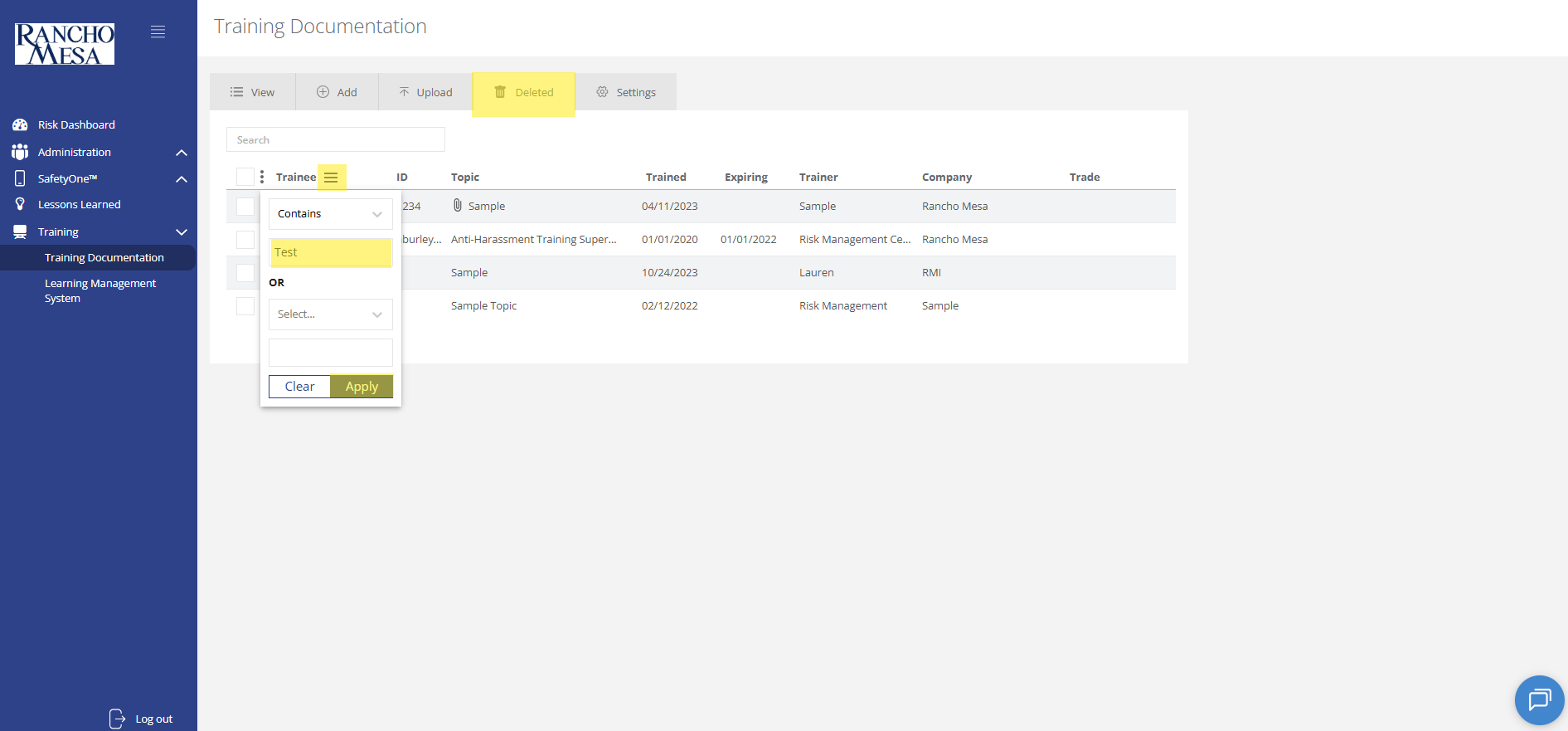
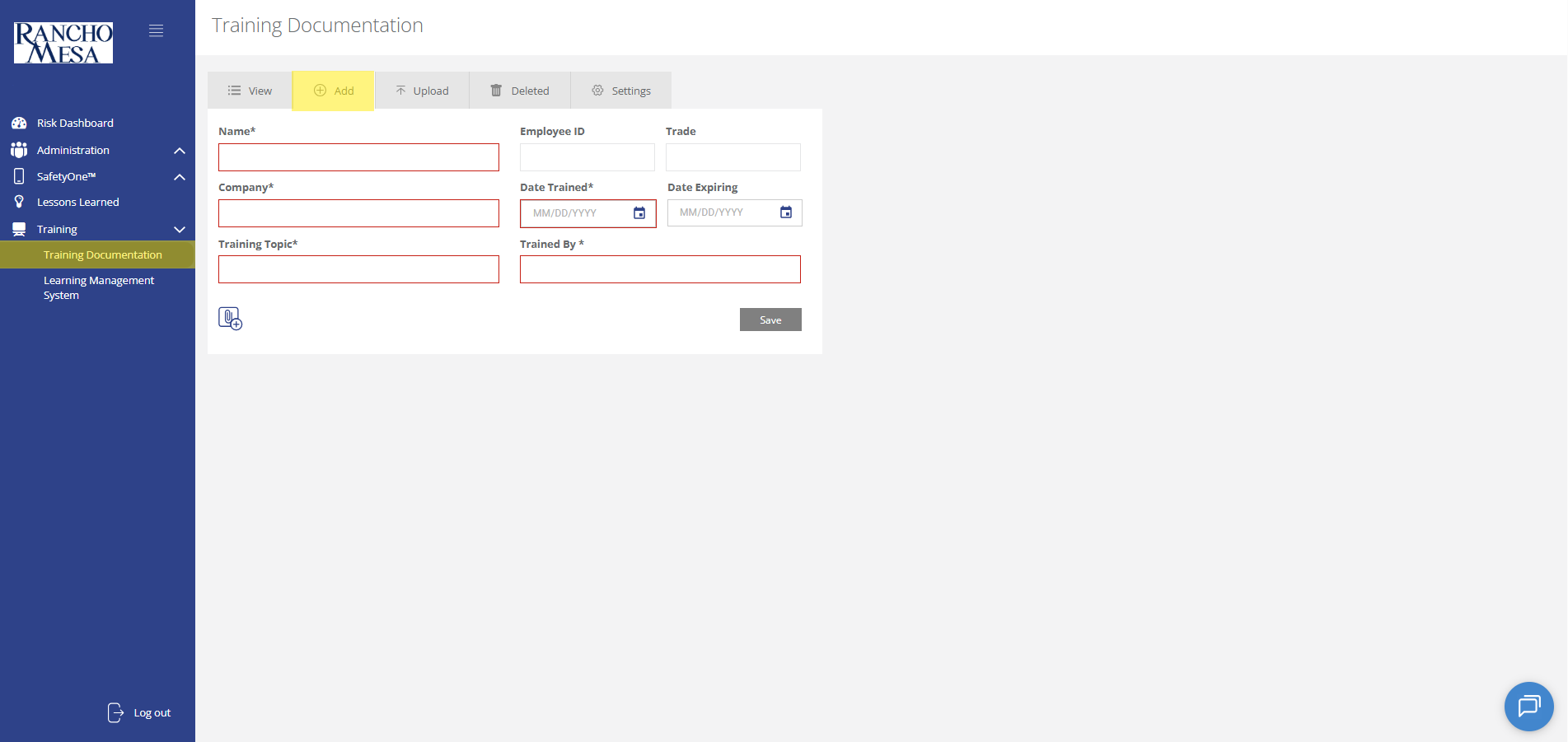
Deleted training records will be displayed on the “Deleted” tab.
How do I view training records?
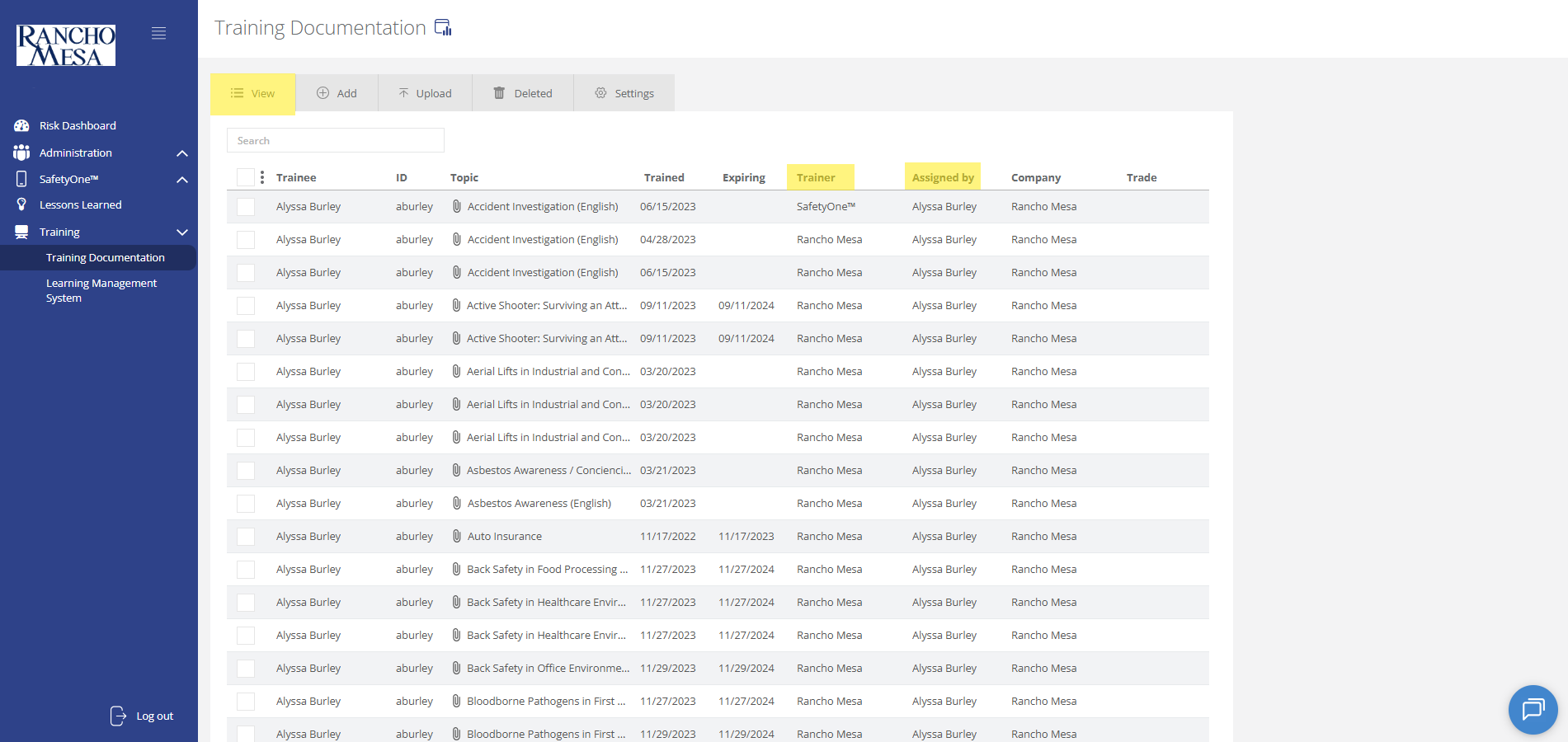
To view training documentation, click on the “Training” section in the navigation panel. Then, click on “Training Documentation.”
How do I upload third-party training documentation?
Administrators can use the SafetyOne™ website to document in-person and third-party employee training.
How do I schedule online training reminder emails?
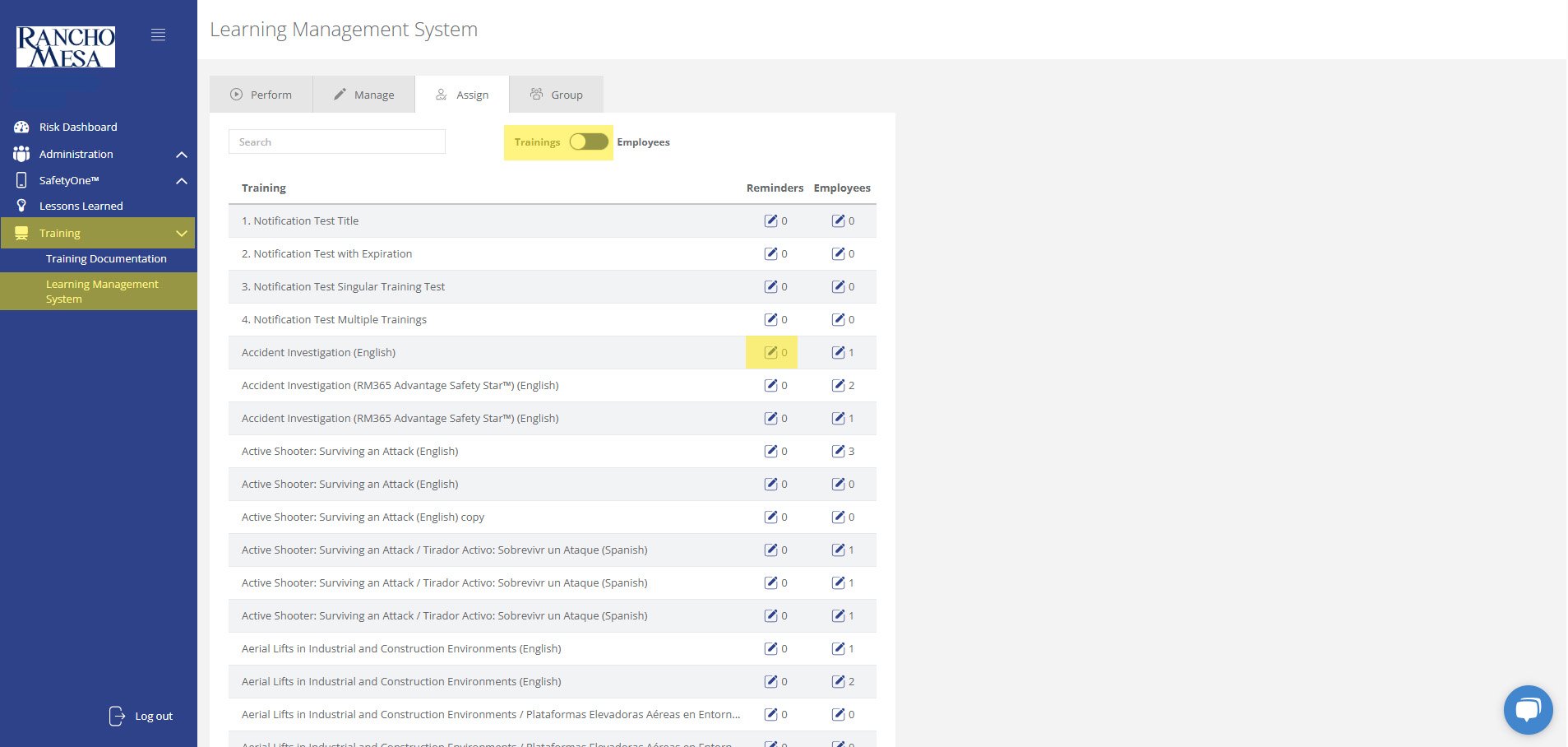
Administrators can schedule training reminder emails through the SafetyOne™ website to help keep employees up-to-date with their necessary safety trainings.
How can I create a driver-specific toolbox talk group in SafetyOne™?
The driver-specific toolbox talks are available in your SafetyOne™ account. To make them accessible via the mobile app, you will need to assign them to a project/crew.
Can I create a QR Code for a document in the File Cabinet?
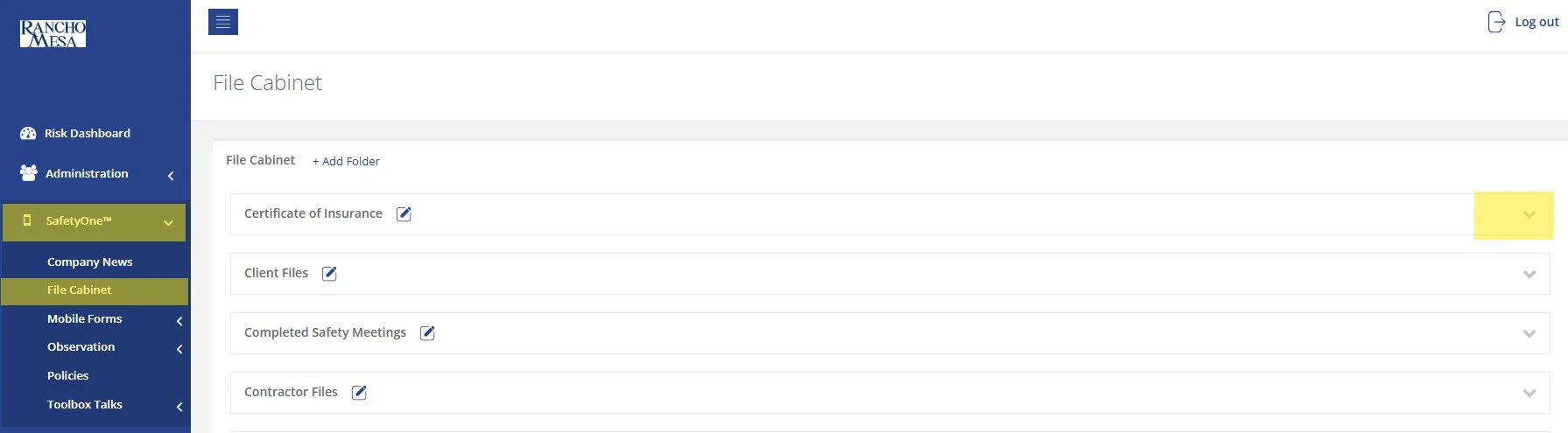
While SafetyOne™ currently does not generate QR codes for documents stored within the file cabinet, QR codes can be created using a third-party generator using the document’s URL.
How can I create a QR Code for a Mobile Form?
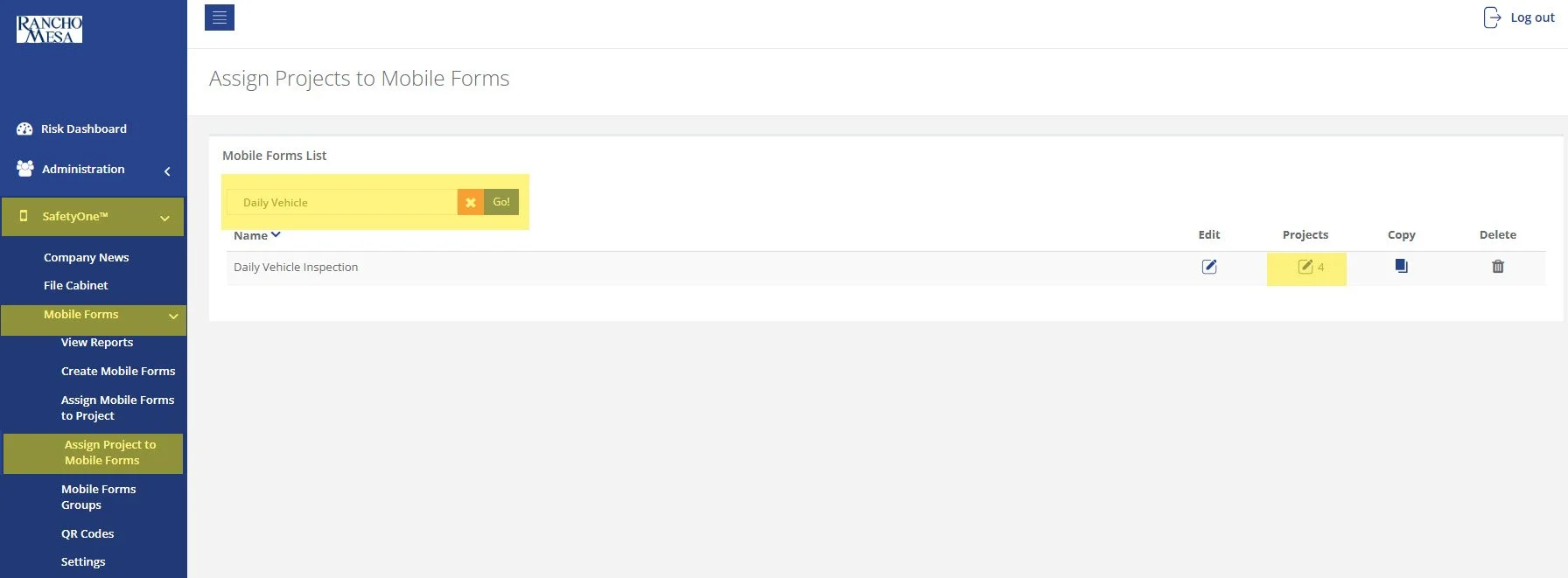
SafetyOne™ administrators can generate QR codes for mobile forms. This is useful when non-mobile app users need to complete a mobile form.
How can I Setup SafetyOne™ Toolbox Talks?
To begin setting up your SafetyOne™ account to utilize Toolbox Talks in the mobile app, as an Administrator, log in to your SafetyOne website account.
How can I give Supervisors the ability to add new users in SafetyOne™?
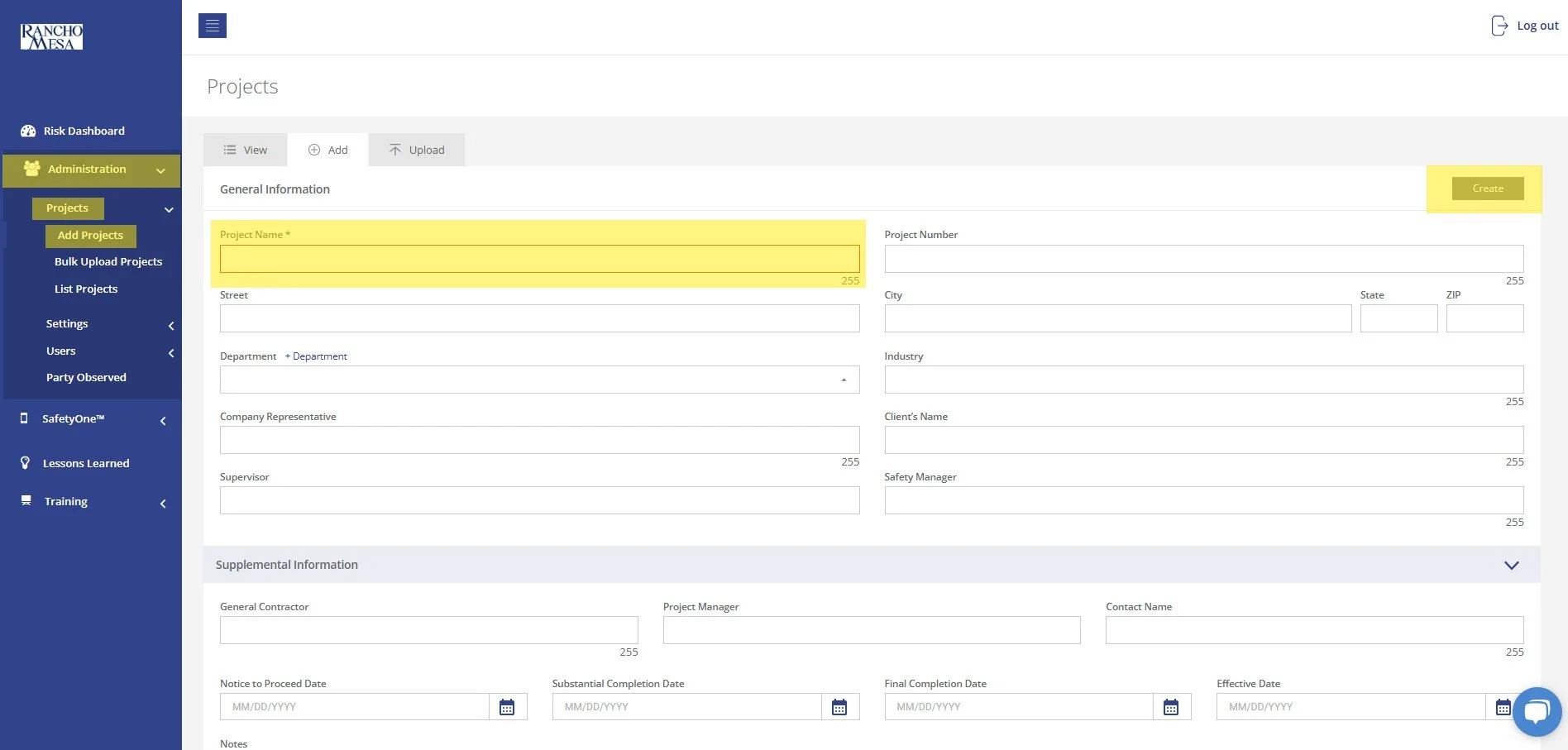
In order to allow Supervisors to add new users to SafetyOne™, an Administrator will need to turn on Custom Permissions.
What is a Supervisor’s Role in SafetyOne™?
A person with a Supervisor user license is someone who manages one or more projects, crews, facilities, or programs. The Supervisor role might also be used by a safety manager or project manager in a construction company, a facility director in a home health care company, or a program director in a non-profit organization.
I assigned a training to a Trainee user, how do they recover their login information if they have forgotten their username/password?
If your employee does not remember their SafetyOne™ username or password, they will need to navigate to the login screen and click on the “Forgot Username / Password” links.
How can I access tree care-specific toolbox talks?
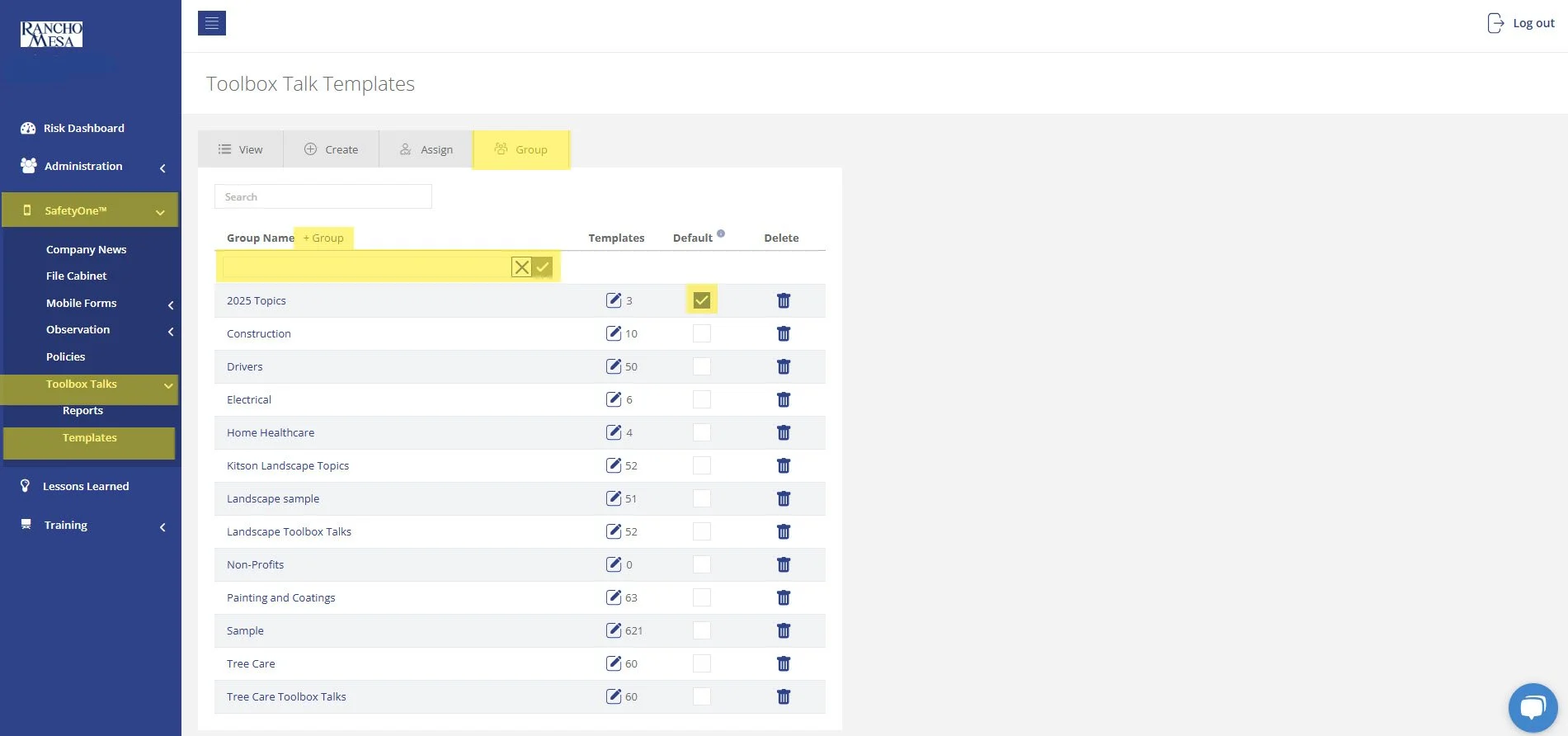
The tree care-specific toolbox talks are available in your SafetyOne™ account. To make them accessible via the mobile app, you will need to assign them to a group.
However, it is a best practice to first, create a toolbox talk group in the administrator website, then assign 52 toolbox talks to the group. This will allow you to easily assign the entire group of toolbox talks to future projects/crews.
How can I embed links in observation questions?
You are able to add embed links to websites or files in observation questions, providing your employees with direct resources accessible from the SafetyOne™ Mobile App. These links can be added to custom observation questions from the SafetyOne Administrator Website.
You can link to a file stored in SafetyOne by retrieving the share link to the corresponding file in the “File Cabinet” screen. Or by using an outside online file storage site and retrieving the corresponding sharable link from there. You can also link to a website, but please note that if this URL is changed, the embedded link will be broken and will need to be updated to work again.
When a company news email is sent, will I get multiple notifications if I have the same email for multiple users?
No, you will not get multiple notifications, the company news alert will only be sent once per notification.
How can I access landscape-specific toolbox talks?
The Landscape-specific toolbox talks are available in your SafetyOne account. To have them accessible from the mobile app, you’ll need to assign them to a project or crew.
We recommend, first, creating a toolbox talk group. This will make assigning future crews or projects the same set of toolbox talks much easier.
What does each user role have access to?
There are two types of licenses, user, trainee, and recipient.
How many attempts are allowed to complete an online quiz?
There is no limit to the amount of attempts for completing a quiz for online training.
I assigned a training to a Trainee user, how do they receive their login information to access the training?
Once a user has been added as a Trainee in the administrator website, they will receive a welcome email with a link to setup their password. Once they setup their password, they will be able to login to the platform and access their assigned training.
How do I generate QR codes to document toolbox talk attendence?
Users can review and sign toolbox talks on their own mobile device by receiving a link or scanning a QR code. Once you open a toolbox talk on your mobile device or tablet, tap the button “invite others'' that appears at the bottom of the toolbox talk screen. You will have the option to either email or text a link to employees, or generate a QR code for the toolbox talk that can be scanned.
Can I create generic user accounts that are shared between multiple people for the SafetyOne platform?
No, Rancho Mesa’s user agreement requires that each SafetyOne™ user (i.e., Administrator, Supervisor, Employee, Field Employee, Training Manager, and Trainee) has their own individual username and password to ensure data integrity. Sharing generic logins is not permitted.