
Can I create a QR Code for a document in the File Cabinet?
While SafetyOne™ currently does not generate QR codes for documents stored within the file cabinet, QR codes can be created using a third-party generator using the document’s URL.
First, login into the SafetyOne website as an Administrator.
GENERATE URL LINK TO DOCUMENT
Click “SafetyOne” in the navigation panel, then click “File Cabinet.”
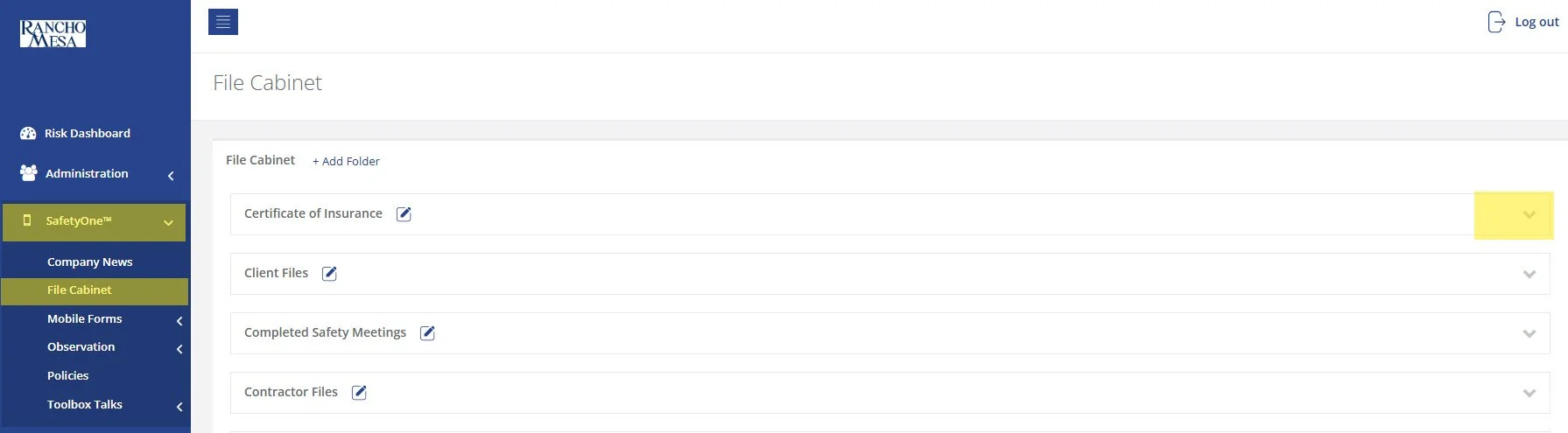
Click the down arrow for the folder where your document is saved.
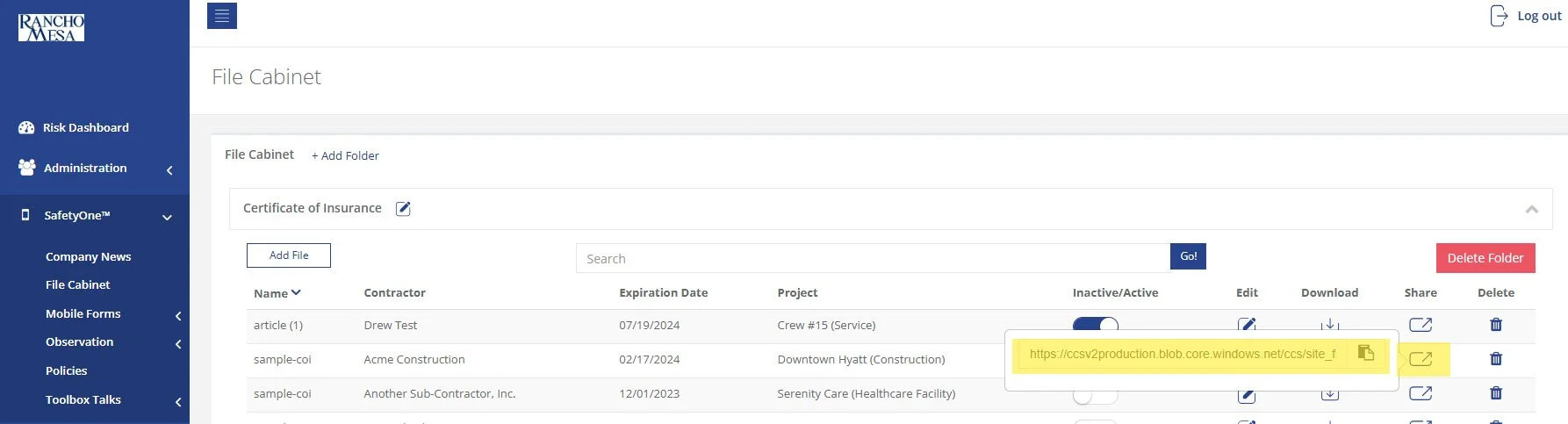
Find your document in the list and click the “Share” icon. This will generate a unique URL link to that document.
Open a third-party QR code generator. There are many options available online.
Paste the document’s unique URL into your third-party QR Code generator.
Download, print or share the QR Code from the third-party website.
Note: If you replace or update the document in the file cabinet, you will need to create a new QR Code.