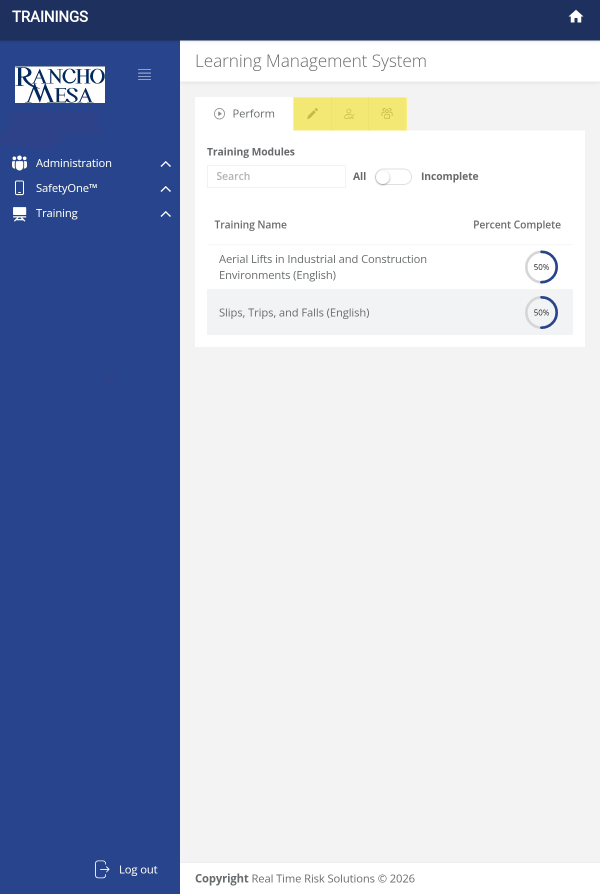
What functions are available through the new training icon?
The Training icon allows mobile app users to quickly access the Learning Management System within the SafetyOne™ platform.
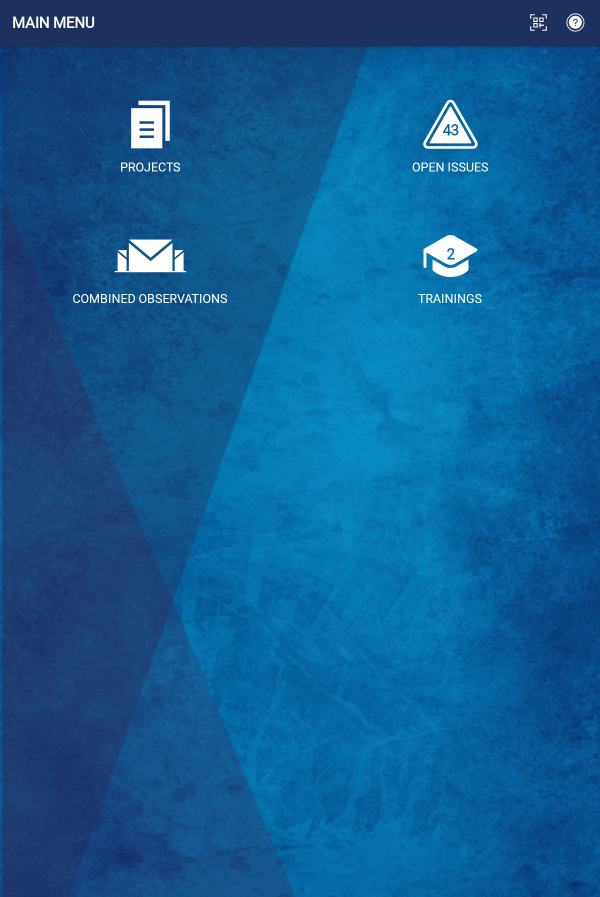
Through the Trainings icon, SafetyOne Administrators can complete their own trainings and assign trainings to their employees, while Supervisors, Employees, and Field Employees can complete the trainings assigned to them.
When a mobile app user is assigned a training, the icon will show the number of trainings they need to complete.
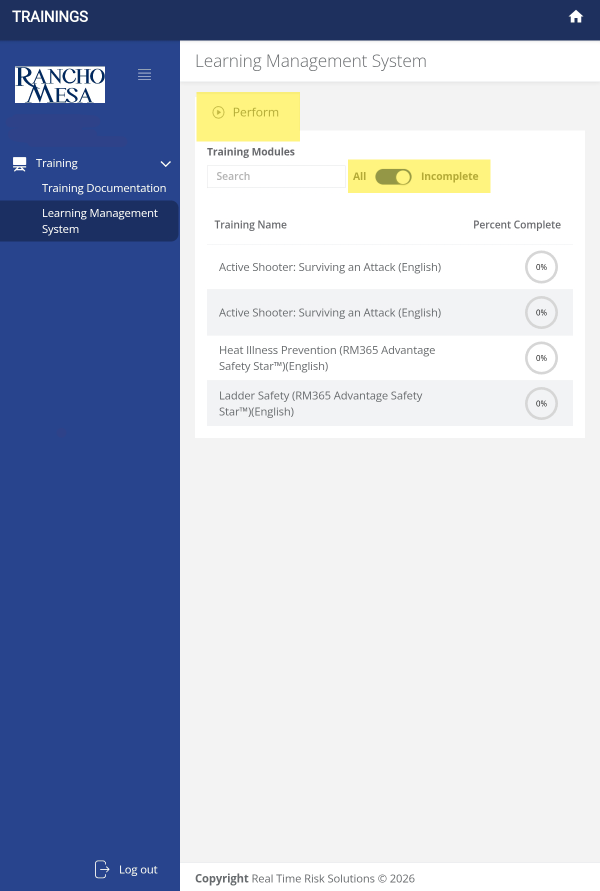
When a mobile app user opens the Training icon, the SafetyOne Learning Management System Perform tab will launch. Under the Perform tab, the mobile app user will be able to view the trainings that have been assigned and their progress.
Similar to accessing the Learning Management System website, the toggle at the top of the screen can be used to view all trainings or incomplete trainings.
Employees can also search for trainings by keyword using the search box.
For SafetyOne Administrators, the training icon allows them to view and perform training, similar to employees.
Administrators can also use the Manage, Assign, and Group tabs across the top of the screen to edit, adds, and assign trainings, along with setting up email reminders.