
Can I scan QR Codes from the SafetyOne™ mobile app?
In the upper right corner of all the SafetyOne™ mobile app screens, there is a QR icon. Click the icon to open a QR Code reader. This can be used to scan any QR Codes.
In the upper right corner of all the SafetyOne™ mobile app screens, there is a QR icon. Click the icon to open a QR Code reader. This can be used to scan any QR Codes.

Why can't I login when I'm offline?
When you first login to the SafetyOne™ mobile app, you’ll need to have an internet connection. This allows the mobile app to verify your login credentials and download the appropriate data to your device.
However, when you are offline (without an internet connection) you can use the SafetyOne™ mobile app as long as you did not previously login out.
When you first login to the SafetyOne™ mobile app, you’ll need to have an internet connection. This allows the mobile app to verify your login credentials and download the appropriate data to your device.
You’ll see the message “Hang Tight. We are customizing Rancho Mesa Safety with your Forms, Observations, Toolbox Talks, News and Files.”
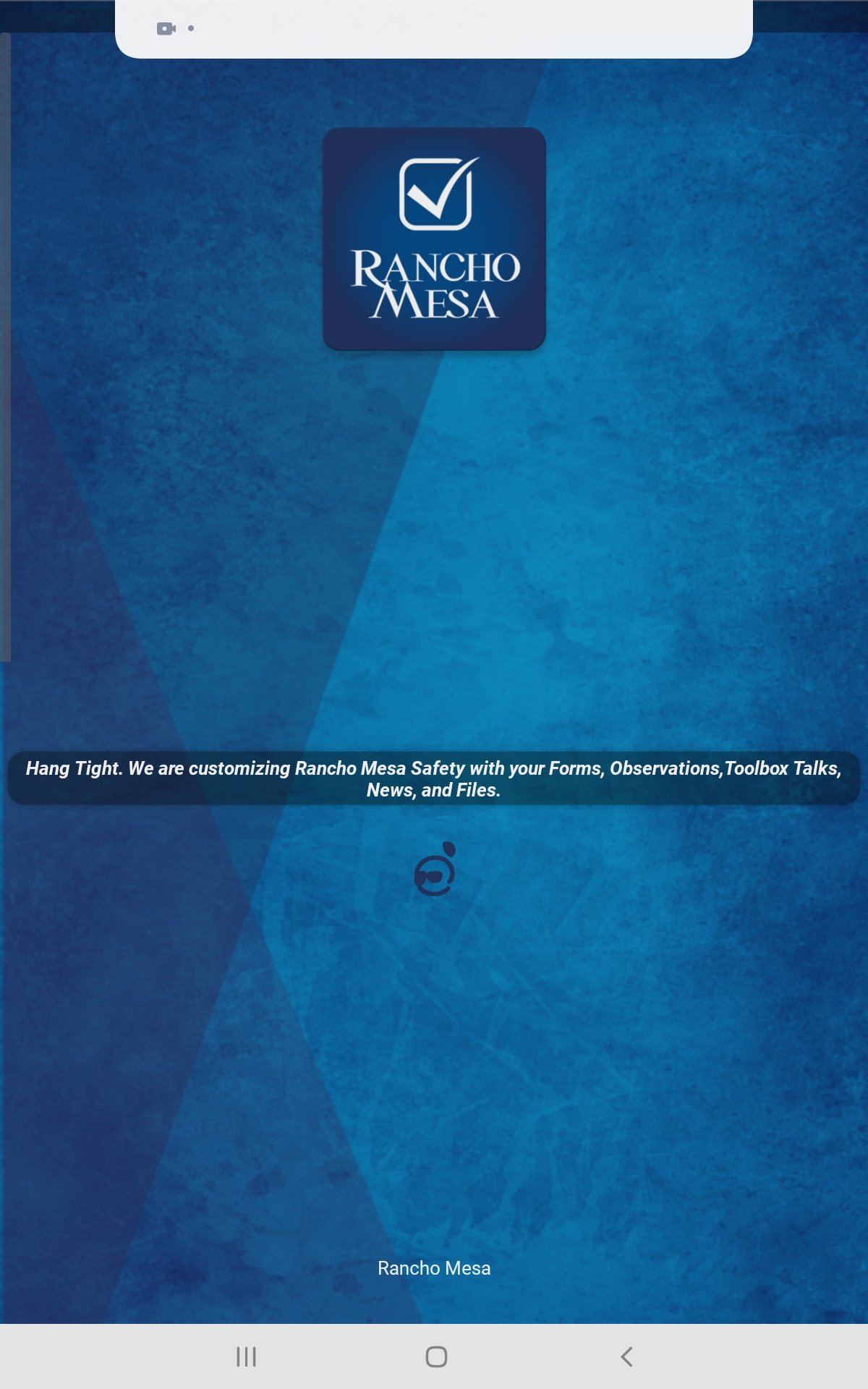
However, when you are offline (without an internet connection) you can use the SafetyOne™ mobile app as long as you did not previously login out.
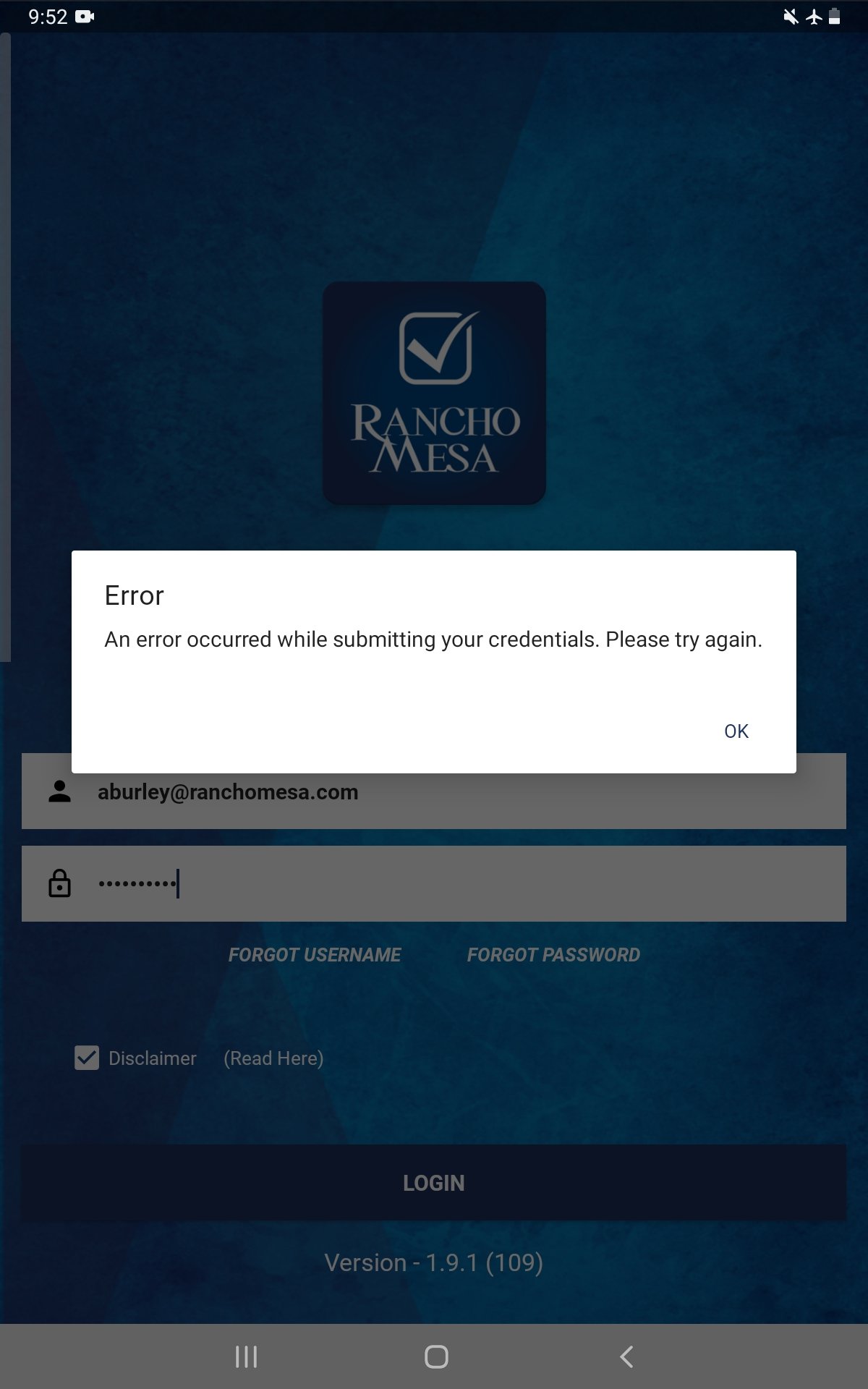
If you previously logged out of the app, you’ll receive the message “Error: An error occurred while submitting your credentials. Please try again.” when you attempt to login.
Tip: If you know that you’ll be in an area without reliable cell service/internet, login to the SafetyOne™ mobile app prior to going into those areas to ensure you’ll have access to your Observations, Mobile forms and Toolbox Talks.
Why aren't my employee's Certifications showing up when we scan their QR Code?
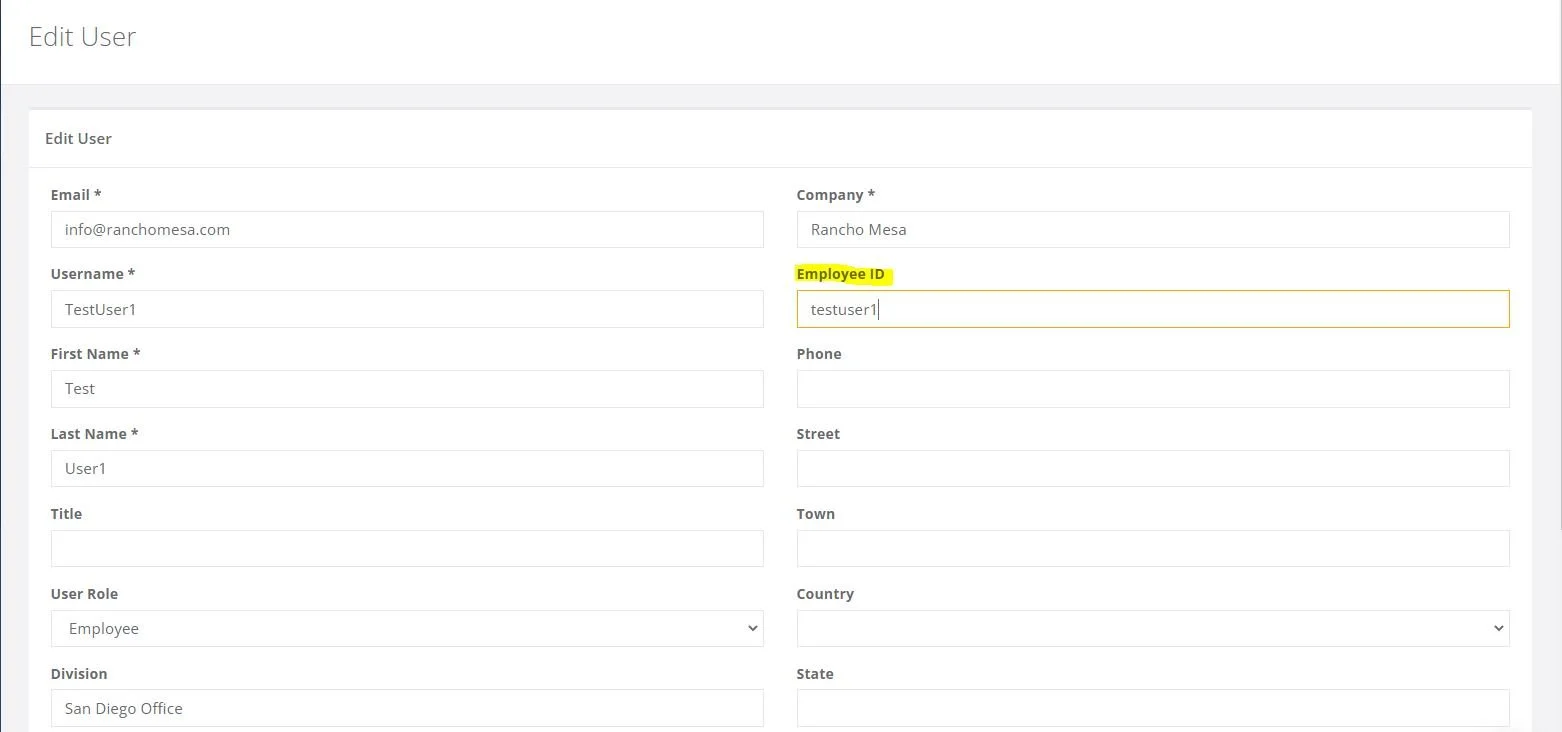
The employee certifications and training history is available via the employee’s individual QR codes when the employee has an employee ID entered on the desktop administrator website and the certification/training record is in the Training section of the desktop administrator website.
The employee certifications and training history is available via the employee’s individual QR codes when the employee has an employee ID entered on the desktop administrator website and the certification/training record is in the Training section of the desktop administrator website.
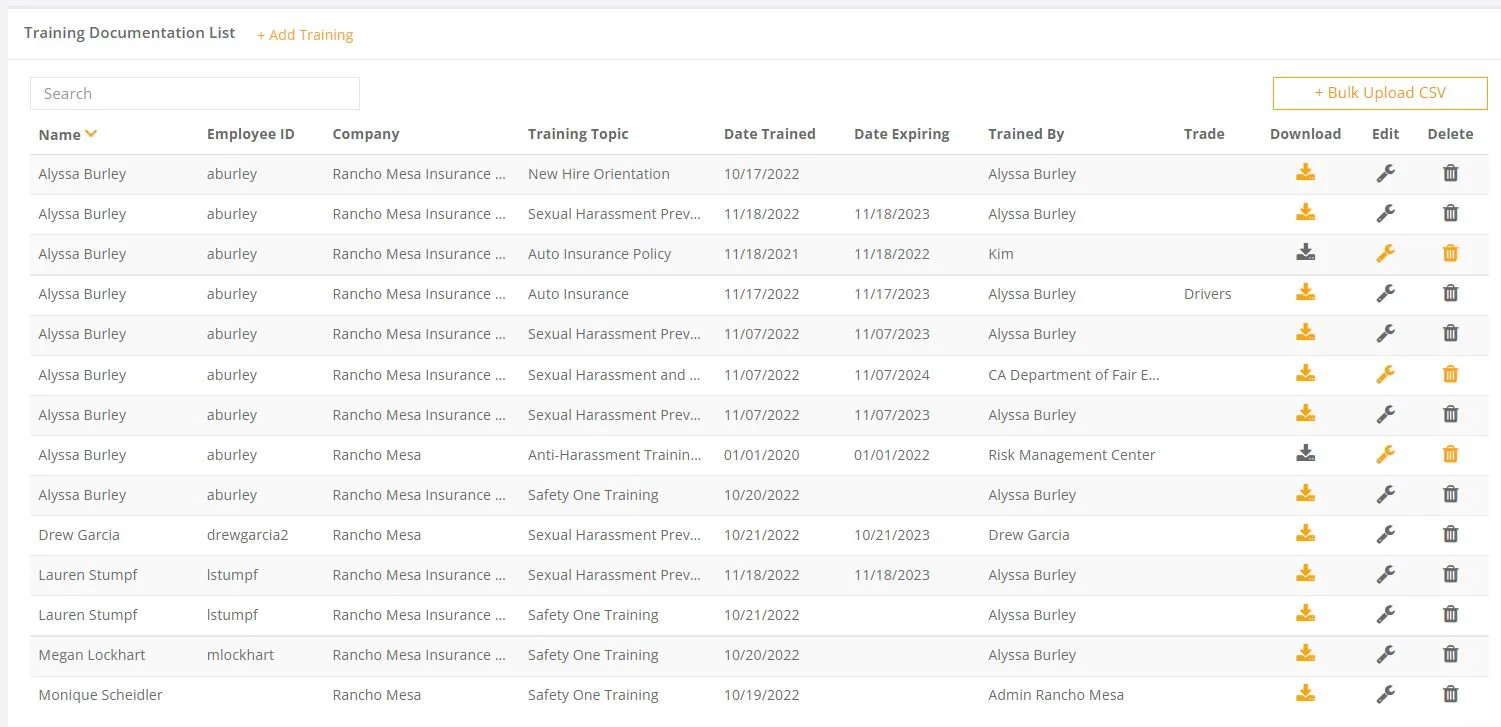
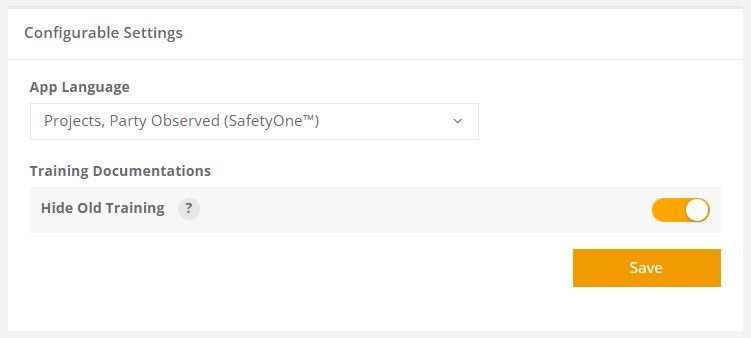
Note, the Training Documentation “Hide Old Training” option will affect if all certifications/trainings are shown or just the most current version.
Depending on your organization's configuration, Administrators may create reusable AI prompts to standardize analyses, summaries, and reports across the organization using a Google Drive or equivalent.
SafetyOne AI operates within your organization's security boundaries and respects user permissions by leveraging private agents.
SafetyOne AI is designed to provide helpful summaries and recommendations based on the information available.
AI responses are generated using your organization's authorized data and respect user permissions.
SafetyOne AI analyzes the information available within your organization's SafetyOne dashboard during each request to generate relevant responses.
Supervisors can review, edit, expand, or customize any Toolbox Talk before adding it to the platform and distributing it to employees.
SafetyOne AI can analyze hundreds or thousands of safety observations and identify recurring themes.
SafetyOne AI can create customized Toolbox Talks using information from your organization's own data.
SafetyOne AI can identify trends within observations, inspections or incidents and recommend training topics that may help reduce future risk.
Rancho Mesa now offers GPT-5.1-powered SafetyOne™ AI analysis capabilities across the following modules: Observations and Mobile Forms. AI analysis for Toolbox Talks and Trainings will be available in future releases.
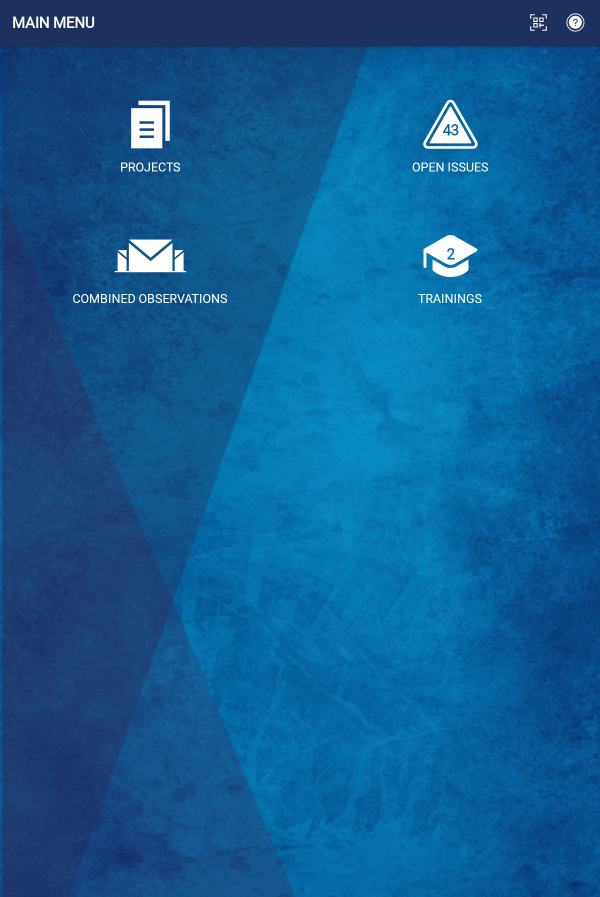
The Training icon allows mobile app users to quickly access the Learning Management System within the SafetyOne™ platform.
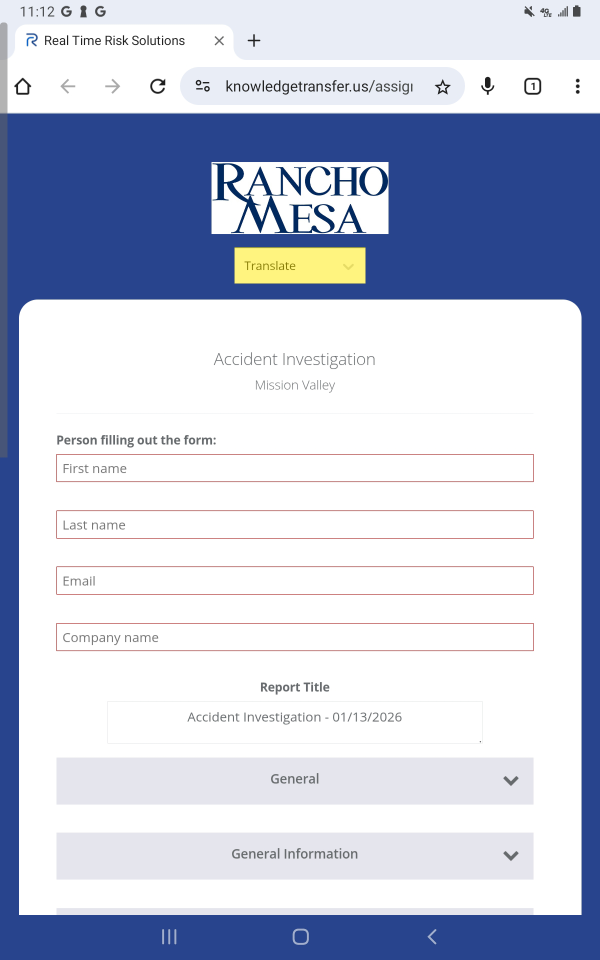
Mobile Forms and Toolbox Talks from the SafetyOne™ platform can be easily translated into multiple languages when accessed via QR code or a URL.
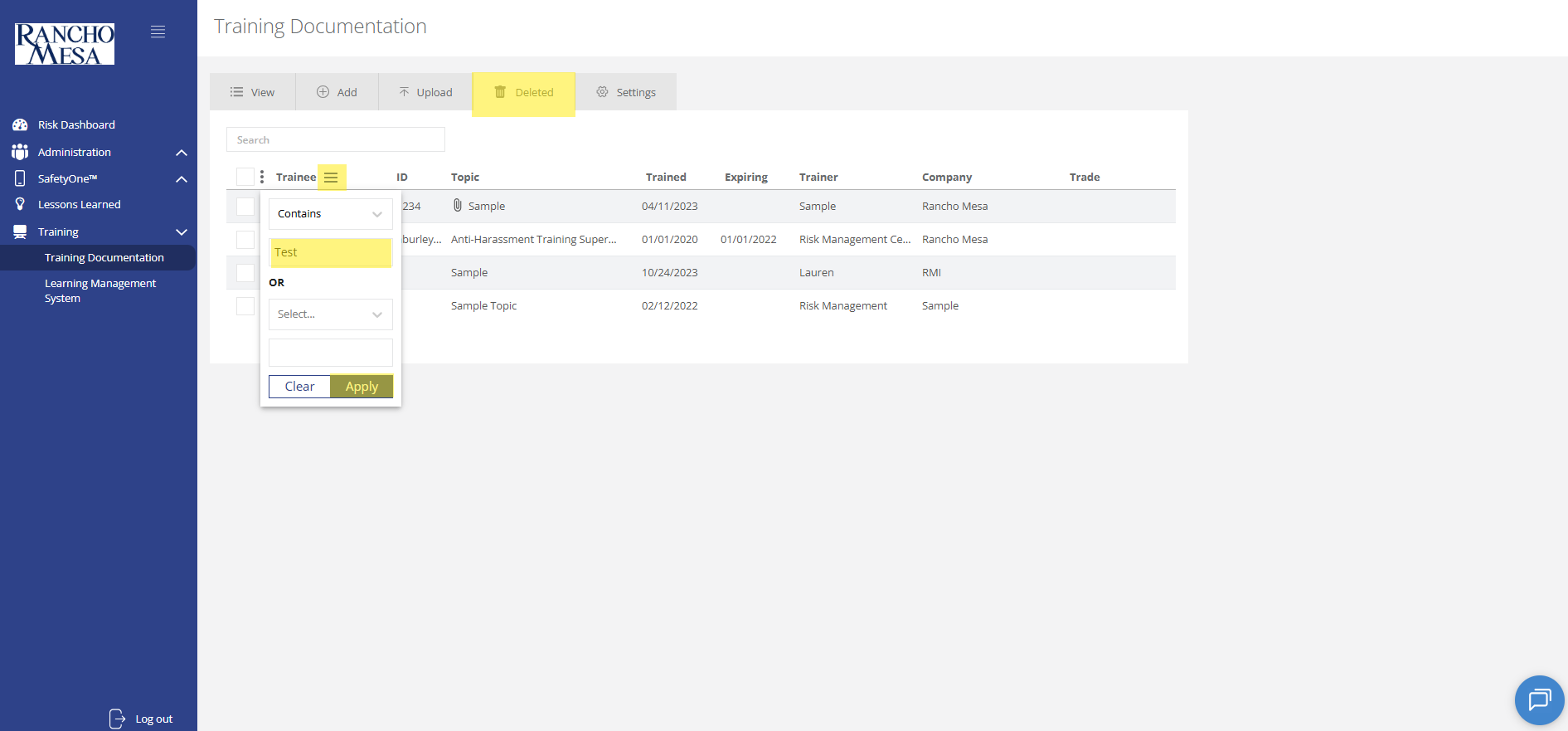
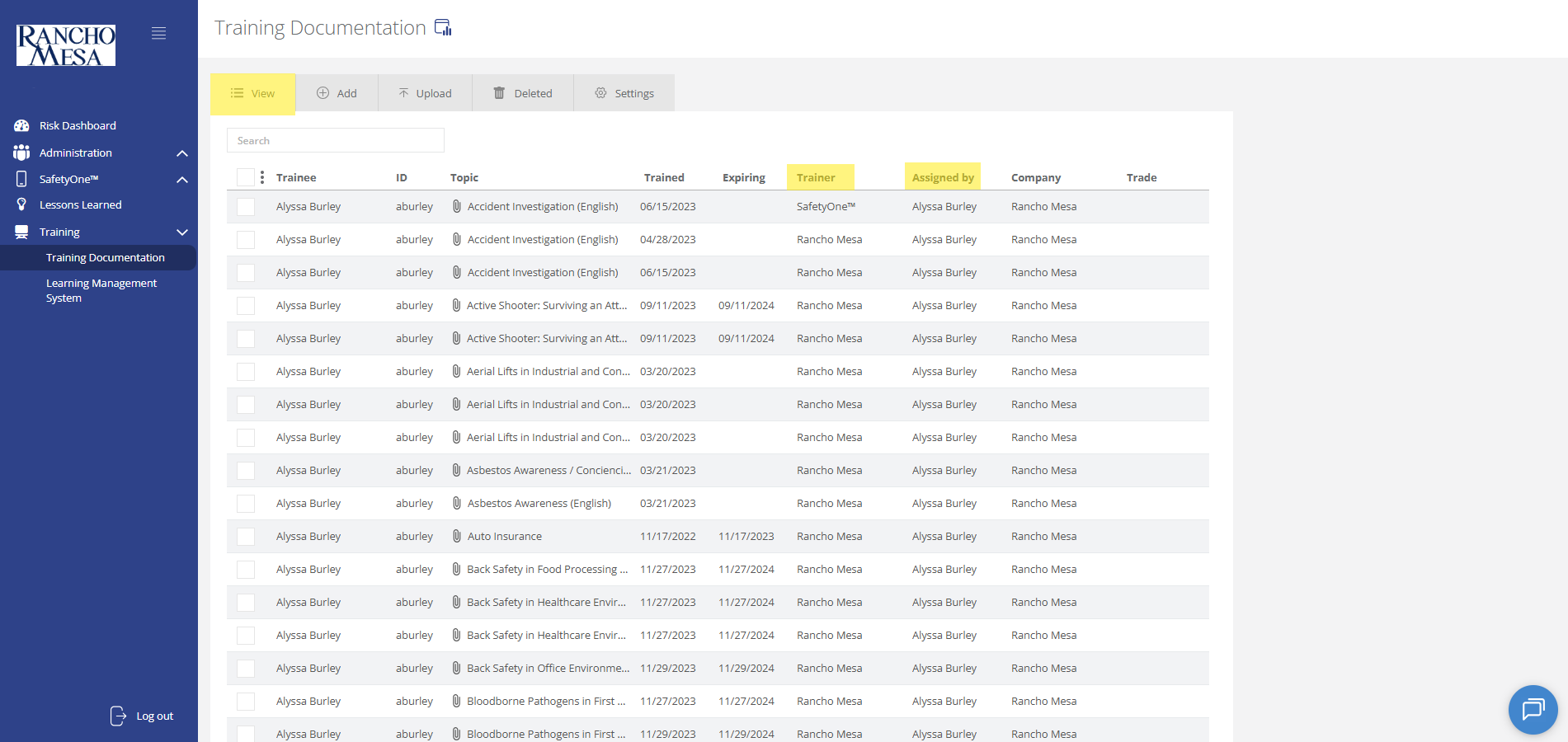
To view training documentation, click on the “Training” section in the navigation panel. Then, click on “Training Documentation.”
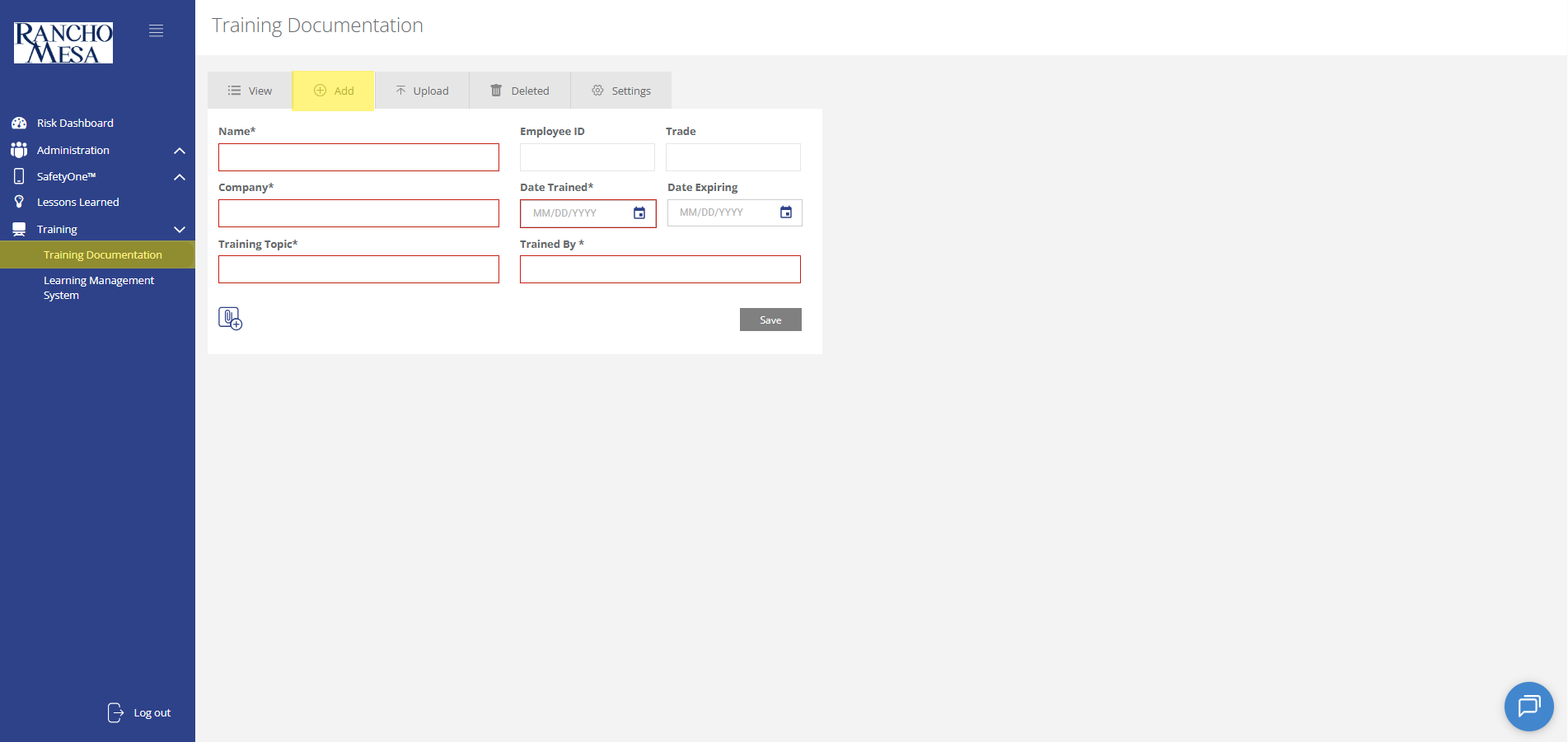
Administrators can use the SafetyOne™ website to document in-person and third-party employee training.
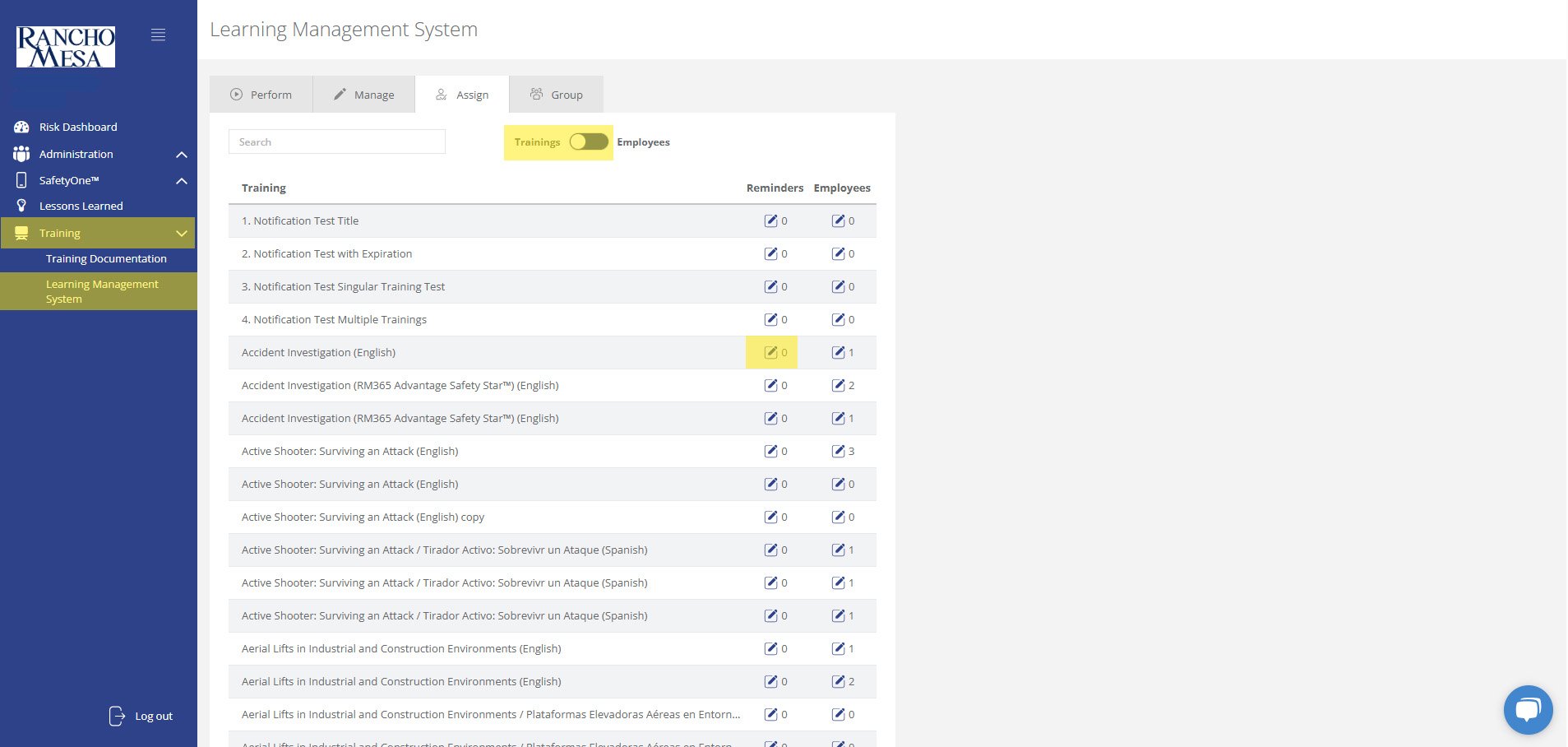
Administrators can schedule training reminder emails through the SafetyOne™ website to help keep employees up-to-date with their necessary safety trainings.
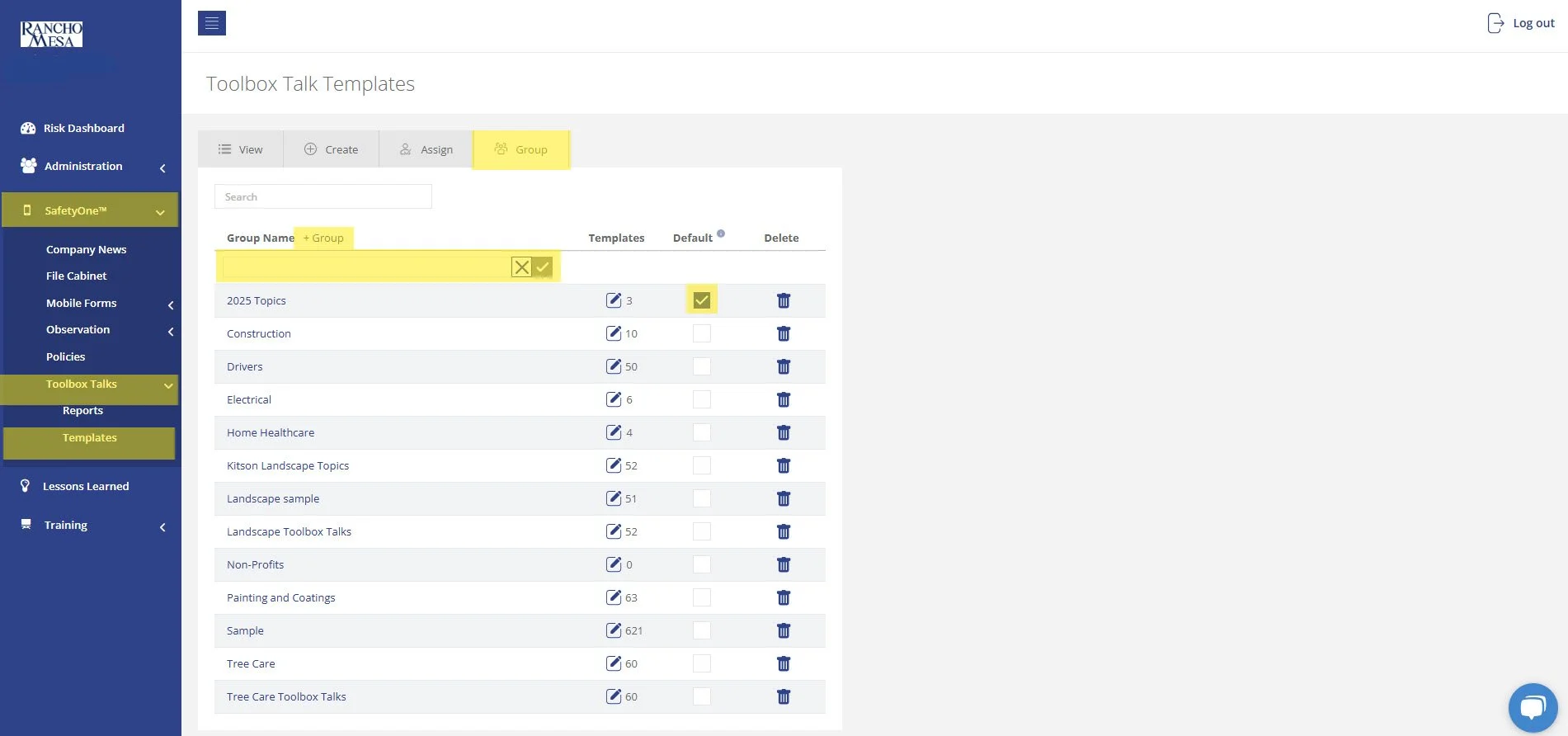
The driver-specific toolbox talks are available in your SafetyOne™ account. To make them accessible via the mobile app, you will need to assign them to a project/crew.
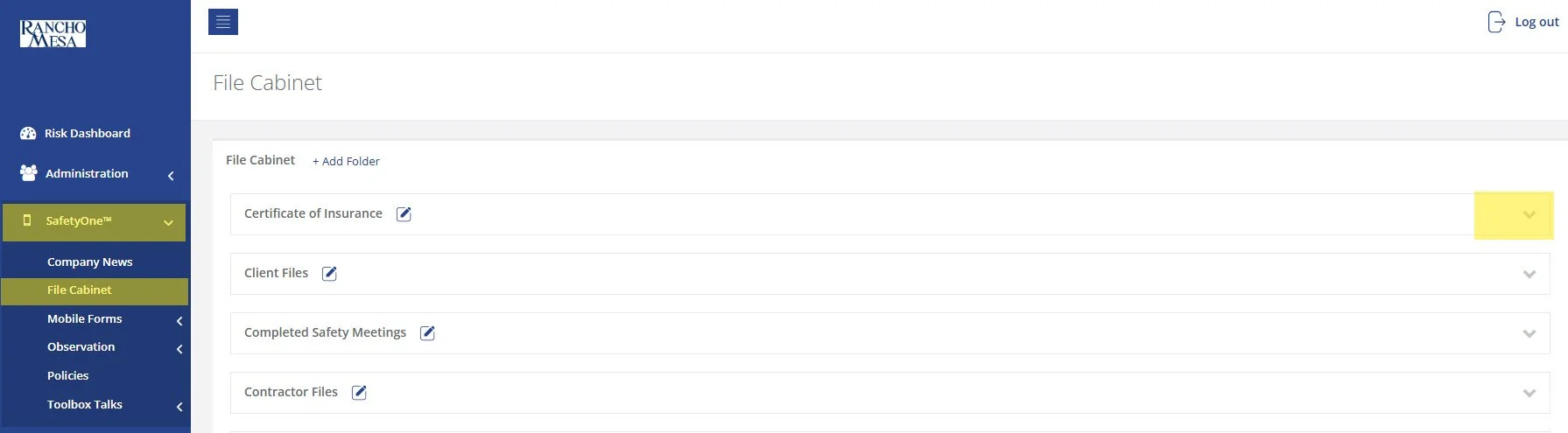
While SafetyOne™ currently does not generate QR codes for documents stored within the file cabinet, QR codes can be created using a third-party generator using the document’s URL.
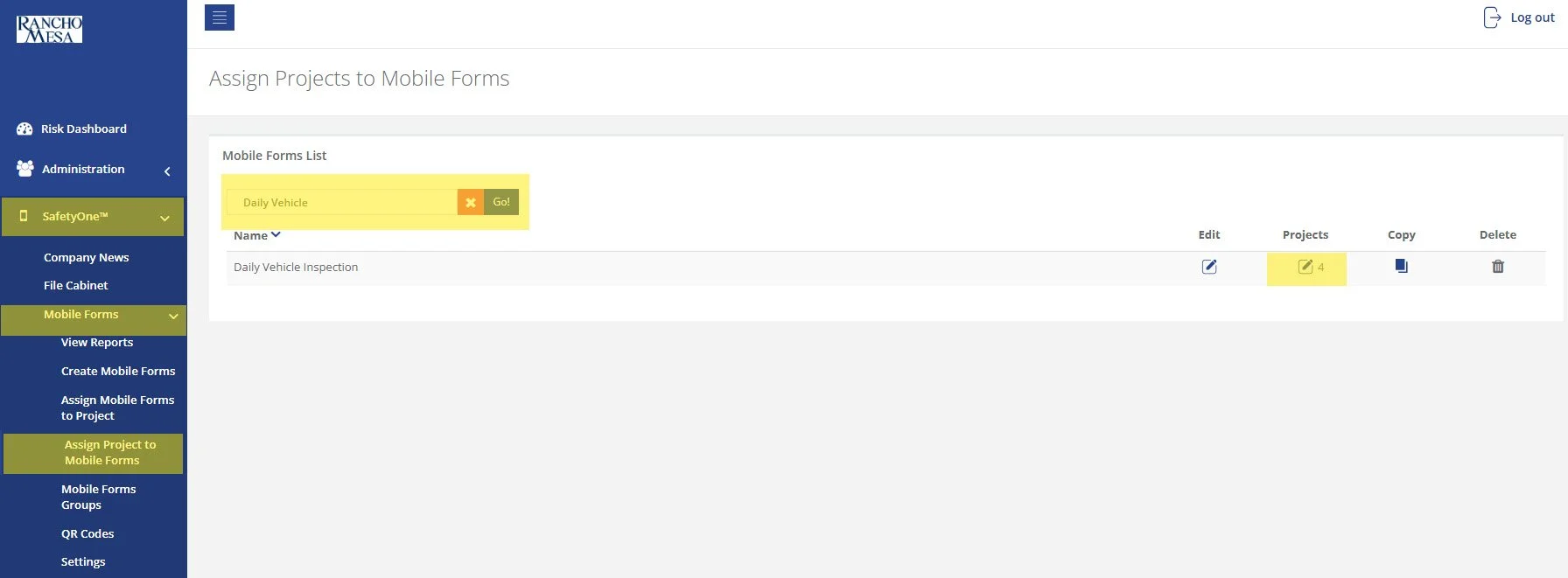
SafetyOne™ administrators can generate QR codes for mobile forms. This is useful when non-mobile app users need to complete a mobile form.
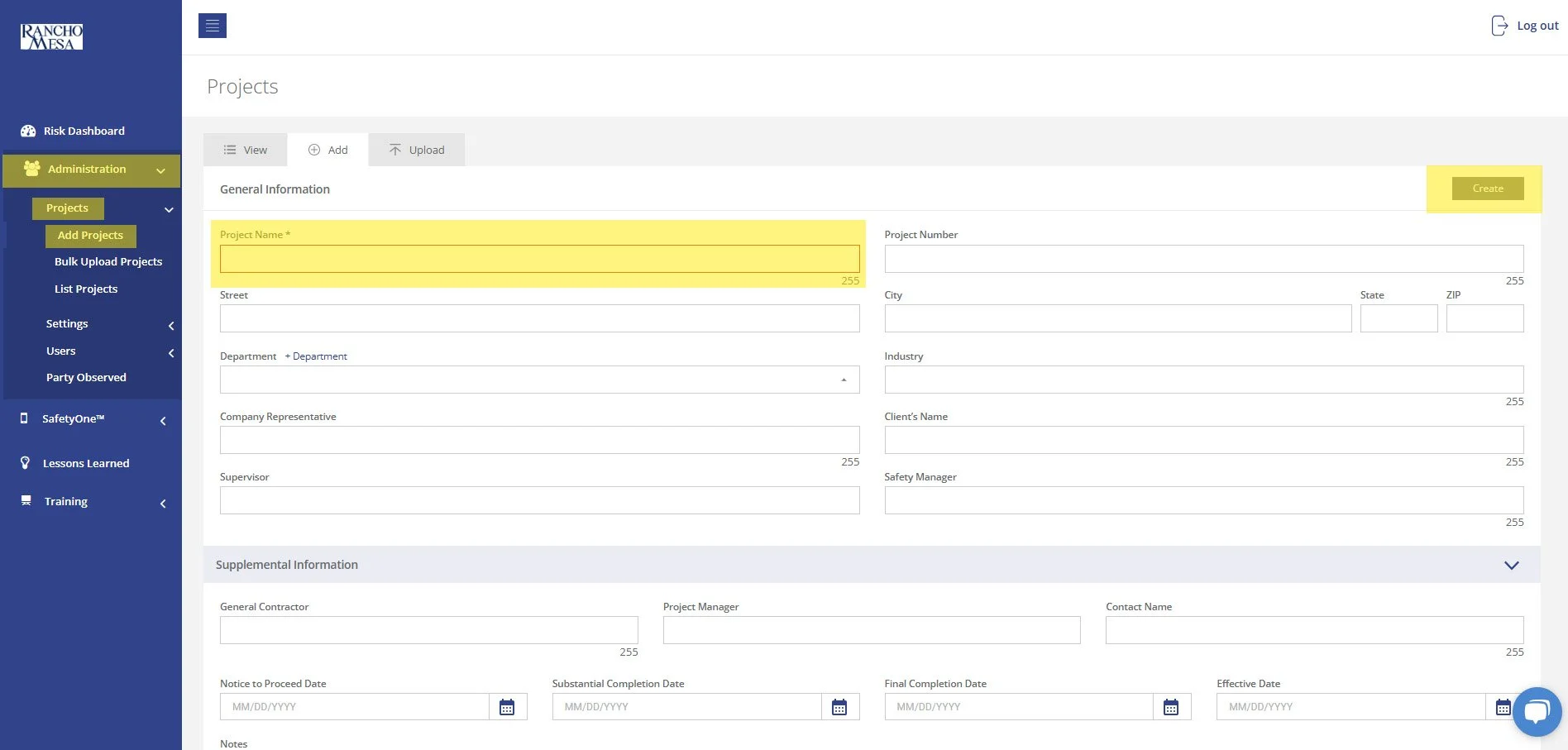
To begin setting up your SafetyOne™ account to utilize Toolbox Talks in the mobile app, as an Administrator, log in to your SafetyOne website account.
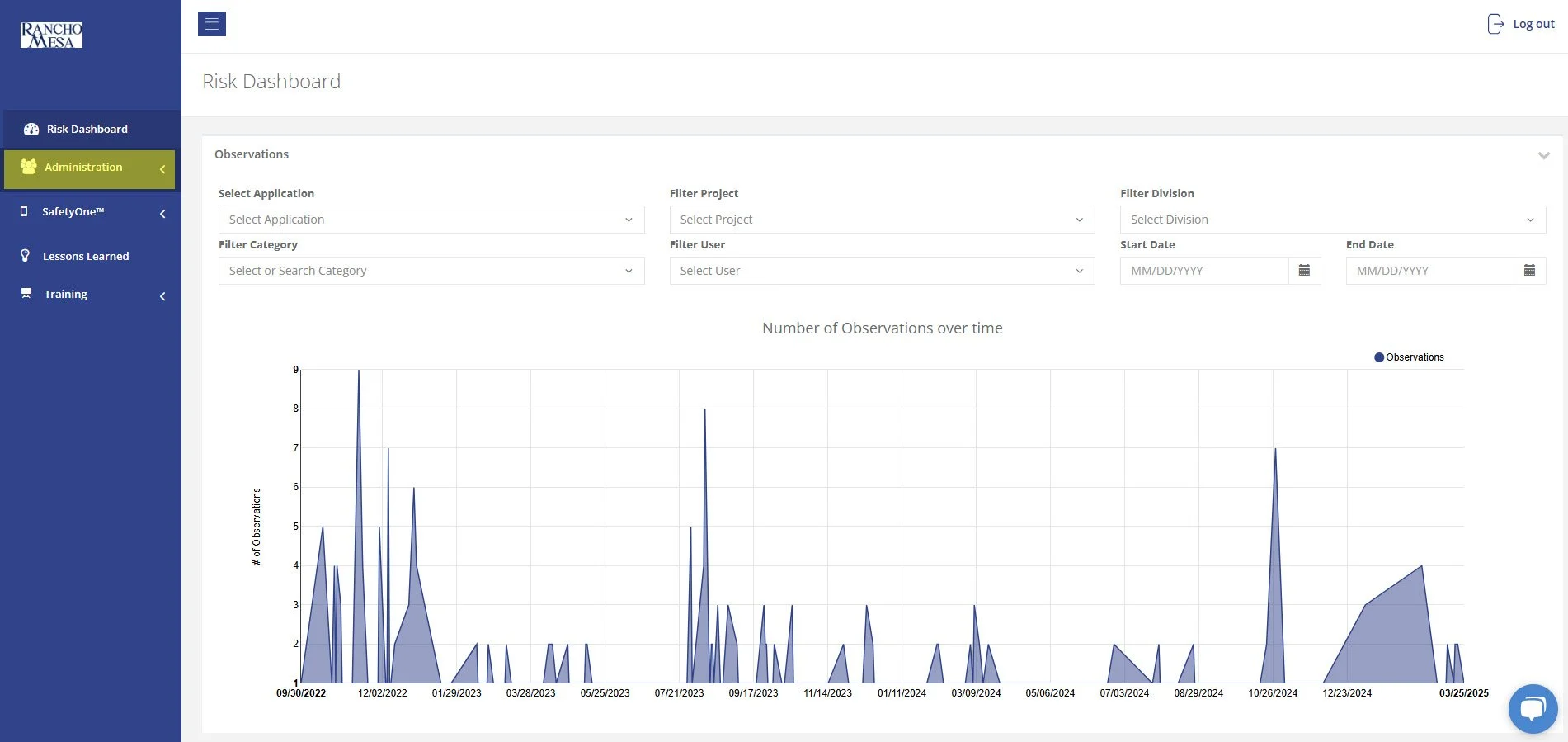
In order to allow Supervisors to add new users to SafetyOne™, an Administrator will need to turn on Custom Permissions.
A person with a Supervisor user license is someone who manages one or more projects, crews, facilities, or programs. The Supervisor role might also be used by a safety manager or project manager in a construction company, a facility director in a home health care company, or a program director in a non-profit organization.