Is there the ability for conditional formatting in mobile forms?
Yes, within the mobile form creator, a “Nested Option” provides a way for companies to provide specific follow-up questions depending on the answers chosen for that specific question.
Yes, within the mobile form creator, a “Nested Option” provides a way for companies to provide specific follow-up questions depending on the answers chosen for that specific question.
Are you able to track individual mobile users’ data to determine who has completed forms on time and who hasn’t?
From the administrator website, completed mobile forms can be filtered and/or sorted by the name of the user who completed the form along with the date the mobile form was completed.
For SafetyOne™ Pro Analytics users, Daily Form Completion Checks, along with custom alerts, can be used to notify a user when an analytical condition exists. These can be used when certain thresholds are not being met or when specific conditions merit further analysis.
From the administrator website, completed mobile forms can be filtered and/or sorted by the name of the user who completed the form along with the date the mobile form was completed.
For SafetyOne™ Pro Analytics users, Daily Form Completion Checks, along with custom alerts, can be used to notify a user when an analytical condition exists. These can be used when certain thresholds are not being met or when specific conditions merit further analysis.
Why aren't my employee's Certifications showing up when we scan their QR Code?
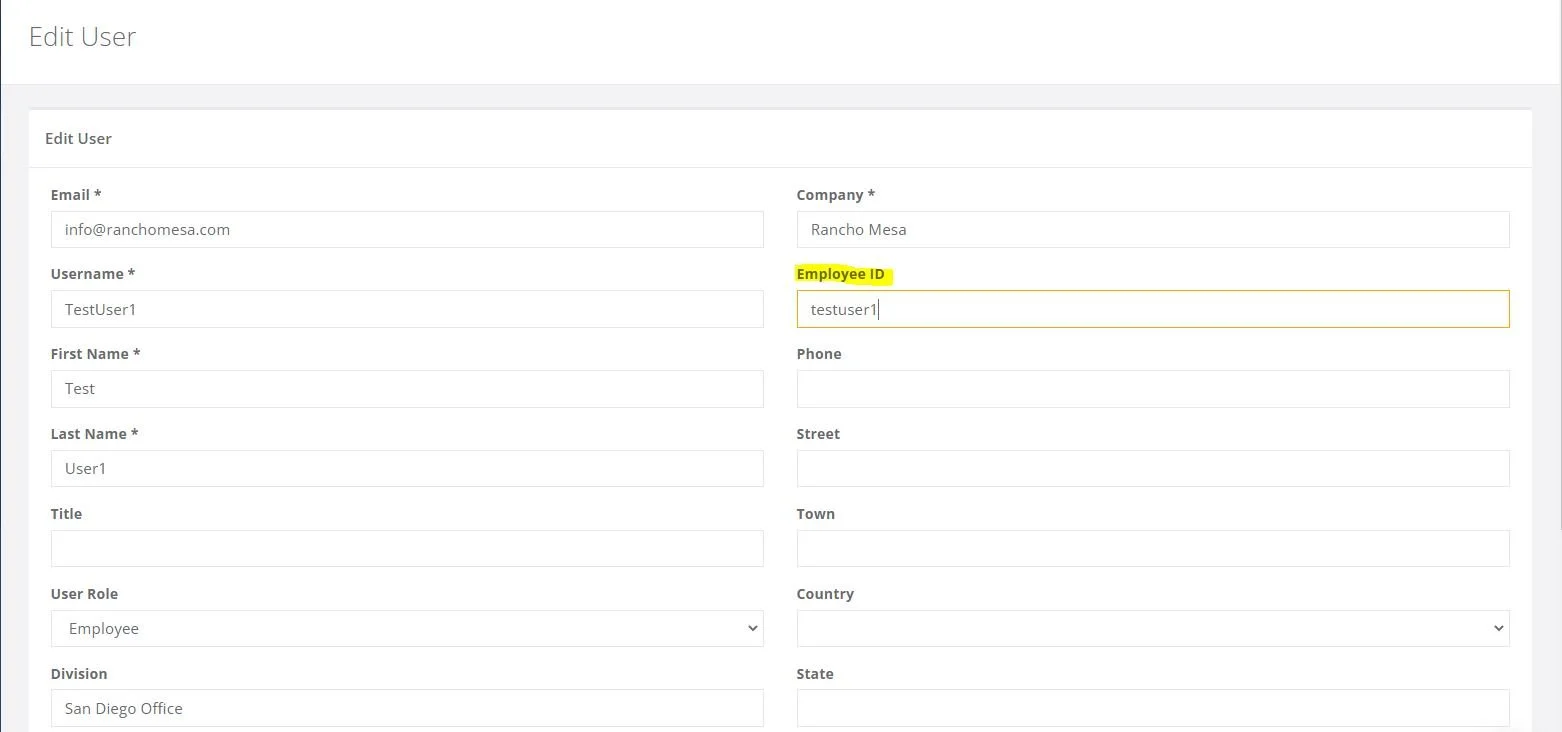
The employee certifications and training history is available via the employee’s individual QR codes when the employee has an employee ID entered on the desktop administrator website and the certification/training record is in the Training section of the desktop administrator website.
The employee certifications and training history is available via the employee’s individual QR codes when the employee has an employee ID entered on the desktop administrator website and the certification/training record is in the Training section of the desktop administrator website.
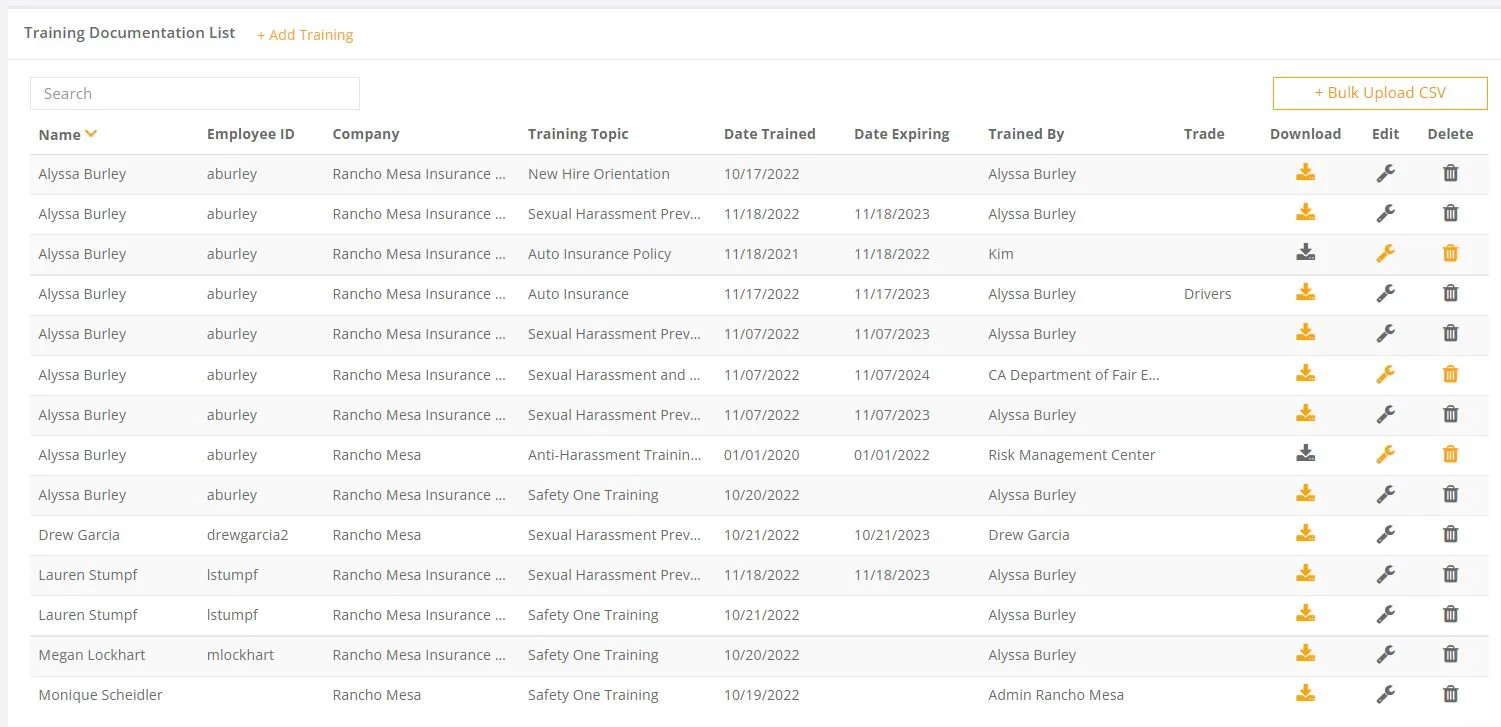
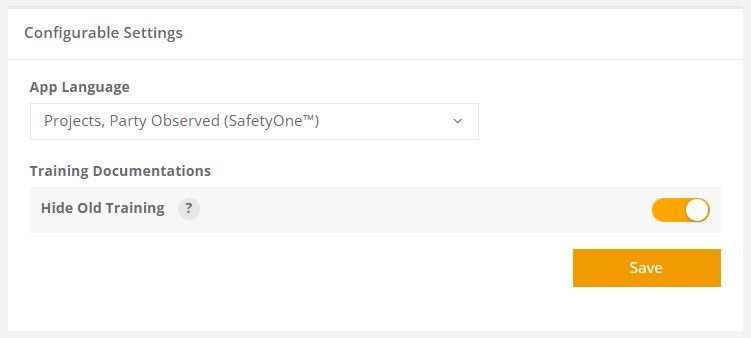
Note, the Training Documentation “Hide Old Training” option will affect if all certifications/trainings are shown or just the most current version.