
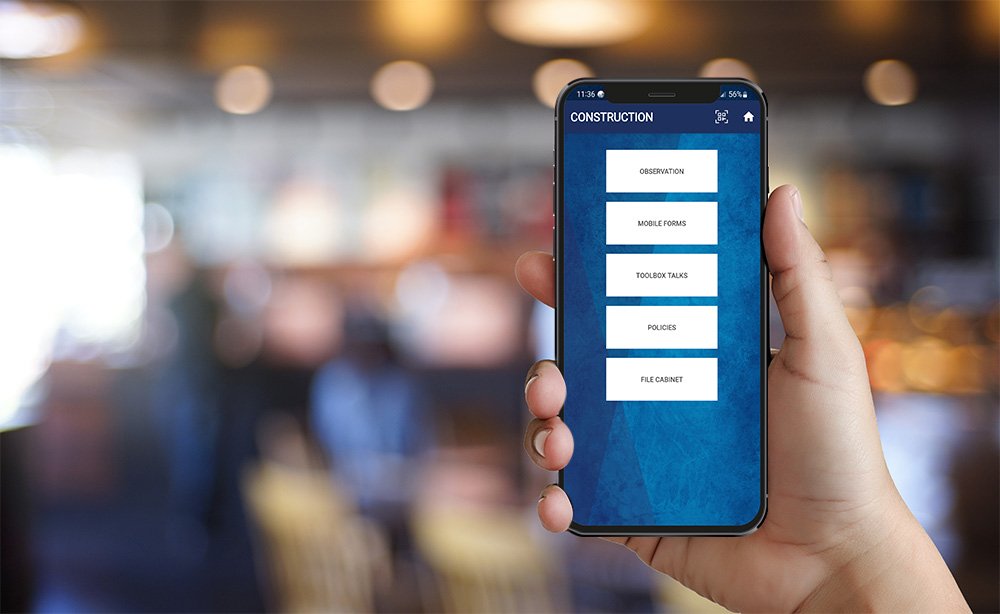
SAFETYONE™ APP
User Guide

File Cabinet in Mobile App
The mobile file cabinet allows users to access a library of PDF documents that have been uploaded via the administrator’s website.

Mobile applications provide an easy way for organizations to capture data in the field from any Android or iOS device.
Mobile applications are configured on the administrator website resulting in a unique experience for each mobile app user.
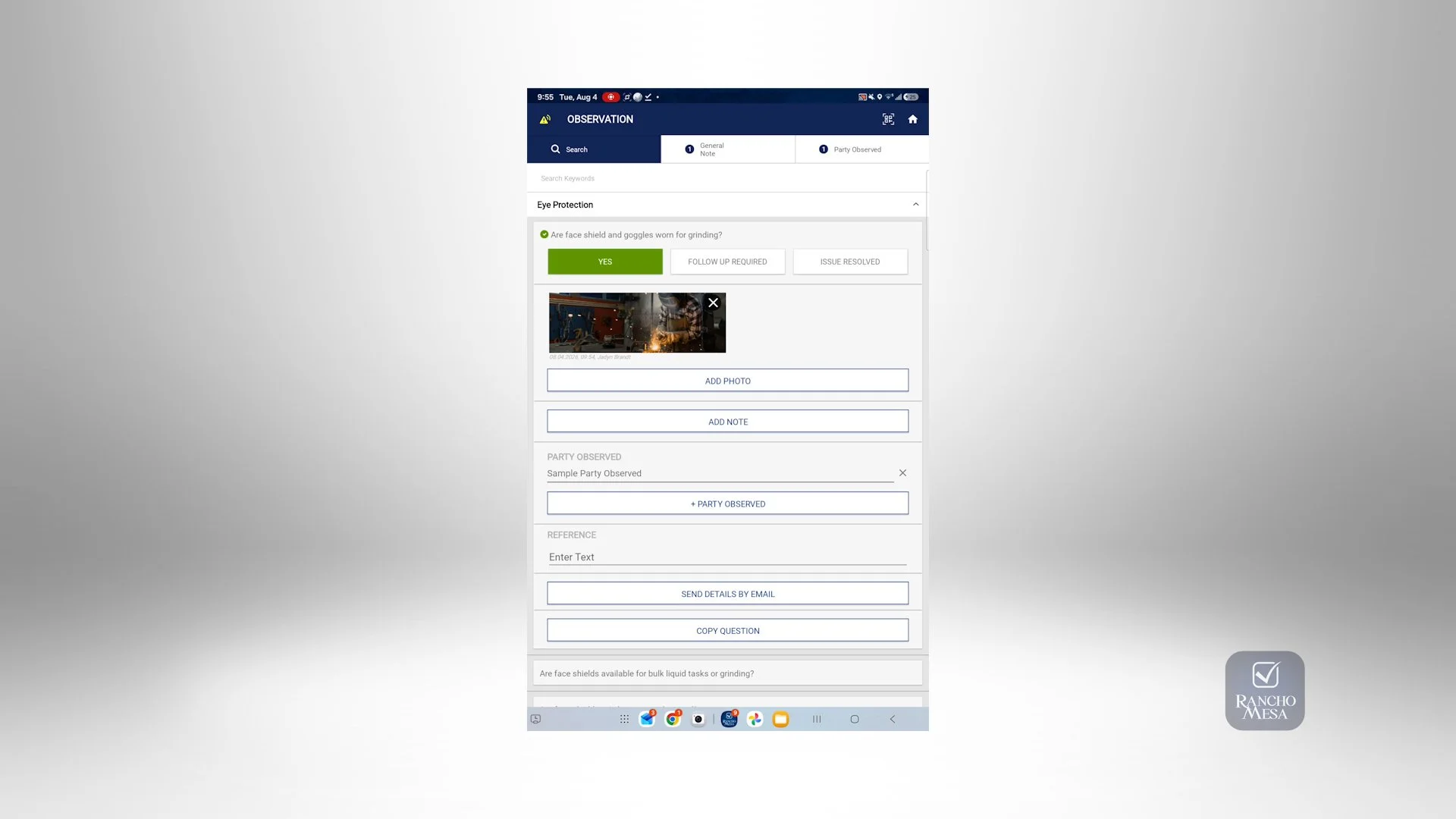
One of the most powerful features within the SafetyOne™ mobile app is the ability to work offline. Perform observations, mobile forms and toolbox talks even when you are not connected to the internet through cellular service or a WiFi connection.

You can view all of your Open Issues at any time on the mobile app.
Combined observations provide a way for organizations to combine multiple observations into a single report. This is useful when users want to combine various reports into a single report rather than sending off multiple reports.

Using mobile forms provides a way for organizations to collect and manage data right from their mobile devices.
Did you know that you can copy mobile form reports once they are created on the mobile device? This is useful when there are mobile forms within your organization that are slightly changed from one day to the next and you want to update the previous day’s form information.

Performing toolbox talks through the SafetyOne™ mobile app is easy, and includes many features to help document these meetings in the field.

Your organization can make company policies accessible on any mobile device through the SafetyOne™ app.

The mobile file cabinet allows users to access a library of PDF documents that have been uploaded via the administrator’s website.
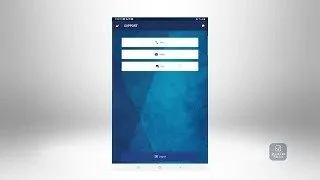
To access customer support for the SafetyOne™ Mobile App, navigate to the Main Menu in the app, or click on the home icon in the top right corner of any screen.