Support in Mobile App
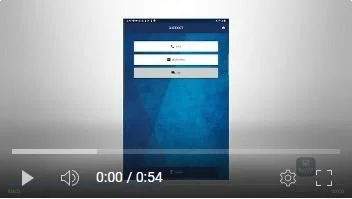
To access customer support for the SafetyOne™ Mobile App, navigate to the Main Menu in the app, or click on the home icon in the top right corner of any screen.
Click on the “Support” button.
You can call or send an email to our support team.
There is also a Frequently Asked Questions library you can review, if you have questions.
Typically, you will not need to logout of the SafetyOne Mobile App when you are finished using it for the day. Simply close the app when finished. The next time you launch the app, it will be ready to use and you won’t need to login. However, if you are using a shared device, you will want to logout.
To logout of the SafetyOne Mobile App, click on the Logout button. This would require you to log back in the next time you launch the app.