
Author, Alyssa Burley, Partner, Rancho Mesa Insurance Services, Inc.
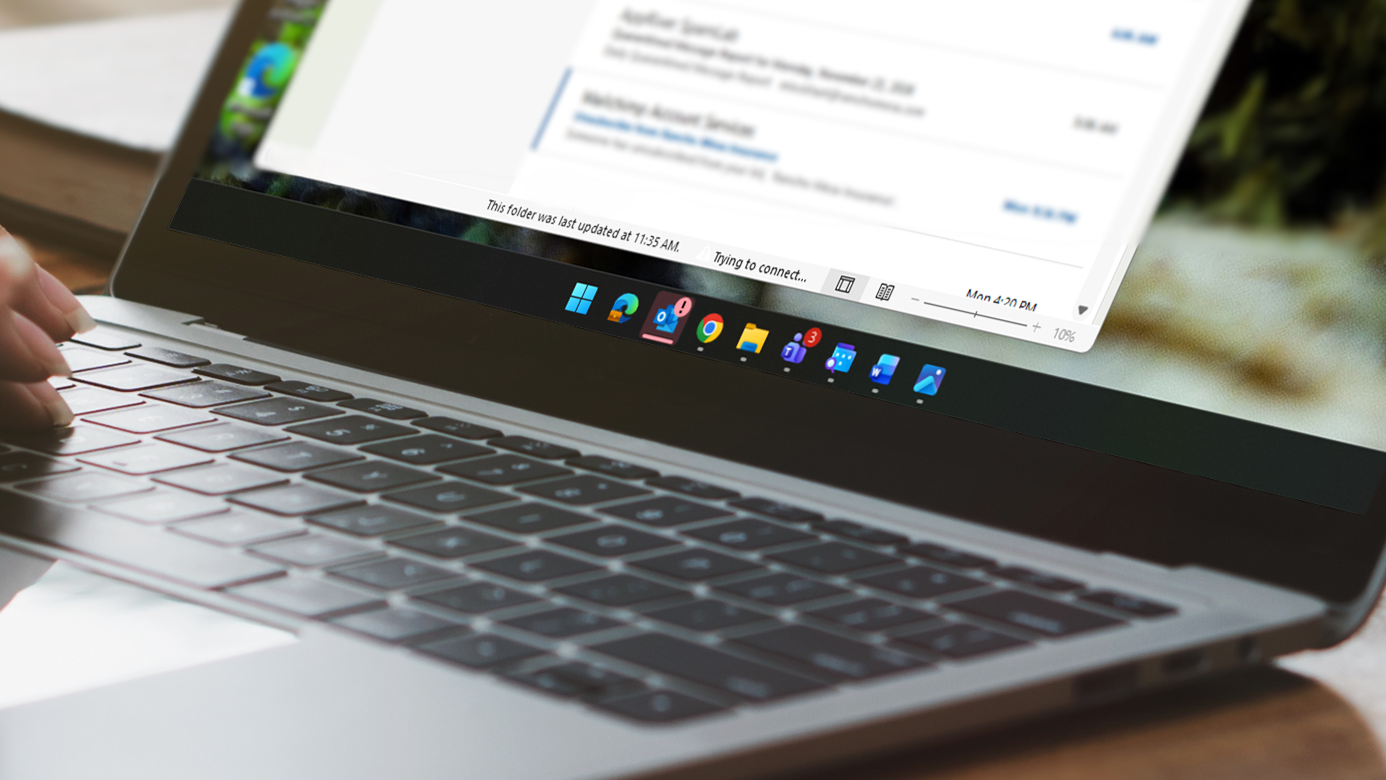
The recent global Microsoft 365 disruption, followed by air travel groundings and banking system outages, have demonstrated how dependent modern businesses have become on technology platforms and interconnected systems.
Beginning on Thursday, November 12, 2026 around noon ET, the Microsoft outage caused tens of millions of active Microsoft 365 users across 74 countries and territories to lose their organizations’ foundational systems. Major public and private organizations were affected by the outage. Microsoft Outlook, Teams, and Copilot were among the reported applications whose functionality was unavailable as a direct result of the outage. However, reports indicate non-Microsoft applications depending on multifactor authentication were also indirectly affected. As a result, the outage caused many organizations to halt business operations.
In situations like this, having stalled operations is bad enough, but organizations should immediately remind their employees of secondary risks that can arise when a national or global service provider experiences a massive outage.
Avoid Secondary Risks
When employees are desperate to finish a project or communicate with a colleague or client, they may let their guard down and fall for scams perpetrated by cyber-criminals looking to capitalize on the disruption.
Warn employees that Microsoft (or other software and banking vendors) will not call and ask for their login credentials to restore their accounts. This is a phishing scam that can result in a major data breach for the organization which ultimately will be much more devastating than the initial system outage. Employees should always follow their established IT policies and procedures.
Remind employees to not use their personal accounts to complete work-related tasks. When employees can no longer use their company-issued email, internal communications platform, virtual meeting accounts, or utilize AI, they may be tempted to use their personal accounts to avoid losing momentum and meet deadlines. While using personal accounts likely violates company policy, more importantly, this can open the company up to HIPAA, contractual confidentiality, and other serious violations.
Even if your organization is not directly affected by a system outage, they still may be targeted by cyber-criminals sending malicious emails and fake voicemail attachments regarding the outage that are designed to get your employee to click on a link they normally would not.
Prepare A Plan
Prepare a contingency plan for situations where core platforms are no longer available. It might be a matter of vetting a list of third-party vendors approved for temporary employee use. Though, these accounts may need to be established prior to an outage as employees may not have access to their company-issued email to establish a new account.
Review your cyber liability policy with your insurance broker to ensure your organization is covered for a secondary risk that can follow an outage, like a data breach.
If you would like to discuss your organization’s cyber risks, contact Rancho Mesa to learn about your options.
Mobile Forms
A Mobile Form is used when the primary goal is to collect, document, and store information using a structured template. Forms can be completed through the mobile app, a shared URL, or by scanning a QR code with a mobile device.
Mobile Forms replace paper processes with configurable digital forms that standardize data collection, capture signatures, upload photos, and generate reports.
Mobile Forms can collect standardized data for:
Auto Accident Reports
Daily Reports
Equipment and Vehicle Check-outs
Incident Investigation Reports
Job Hazard Analysis (JHA)
Security Checks
Witness Statements
Other custom forms
In these examples, the primary objective is to document an event, activity, or company process for operational or compliance purposes rather than track corrective actions.