
New RM365 HRAdvantage™ Law Comparison Tool
Author, Jadyn Brandt, Client Communications Coordinator, Rancho Mesa Insurance Services, Inc.
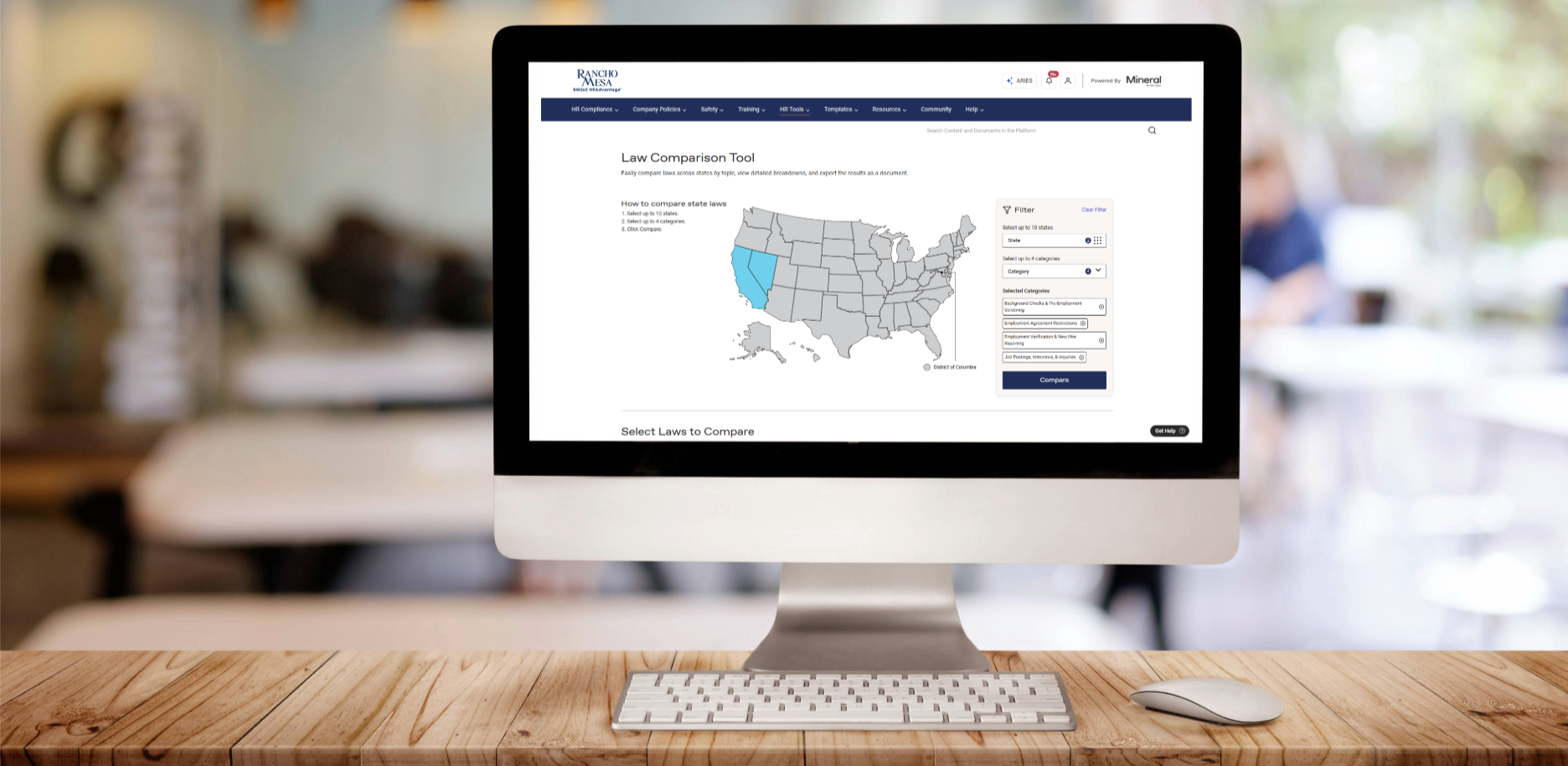
A new tool has been added to Rancho Mesa’s RM365 HRAdvantage™ portal for businesses that operate in multiple states.
The new Law Comparison Tool simplifies multi-state compliance, allowing users to compare employment laws across multiple U.S. states and identify legal differences.
Users of the HR portal can now:
Compare laws from up to 10 states and 4 law categories
Sort by specific law categories or subcategories
Export results in Word or Excel
How to Use the Law Comparison Tool
The Law Comparison Tool can be found under the “HR Tools” dropdown menu in the Navigation bar in the HR portal.
Using either the interactive map or the filters on the right-hand side of the page, select up to 10 states and up to four law categories, then click the “Compare” button.
The page will generate a list of corresponding laws in each state you have selected. Use the check box next to each law to select up to 10. Some laws will be state-wide, while others are specific to a city or county.
The portal will display your selected laws side-by-side for easy comparison. Click the “Email Comparison Download” button to generate a Word document or Excel spreadsheet comparison.
Contact your client technology team with any questions about accessing the HR Portal or Law Comparison Tool.